
Signs Your Device Has Been Compromised — and What to Do Next

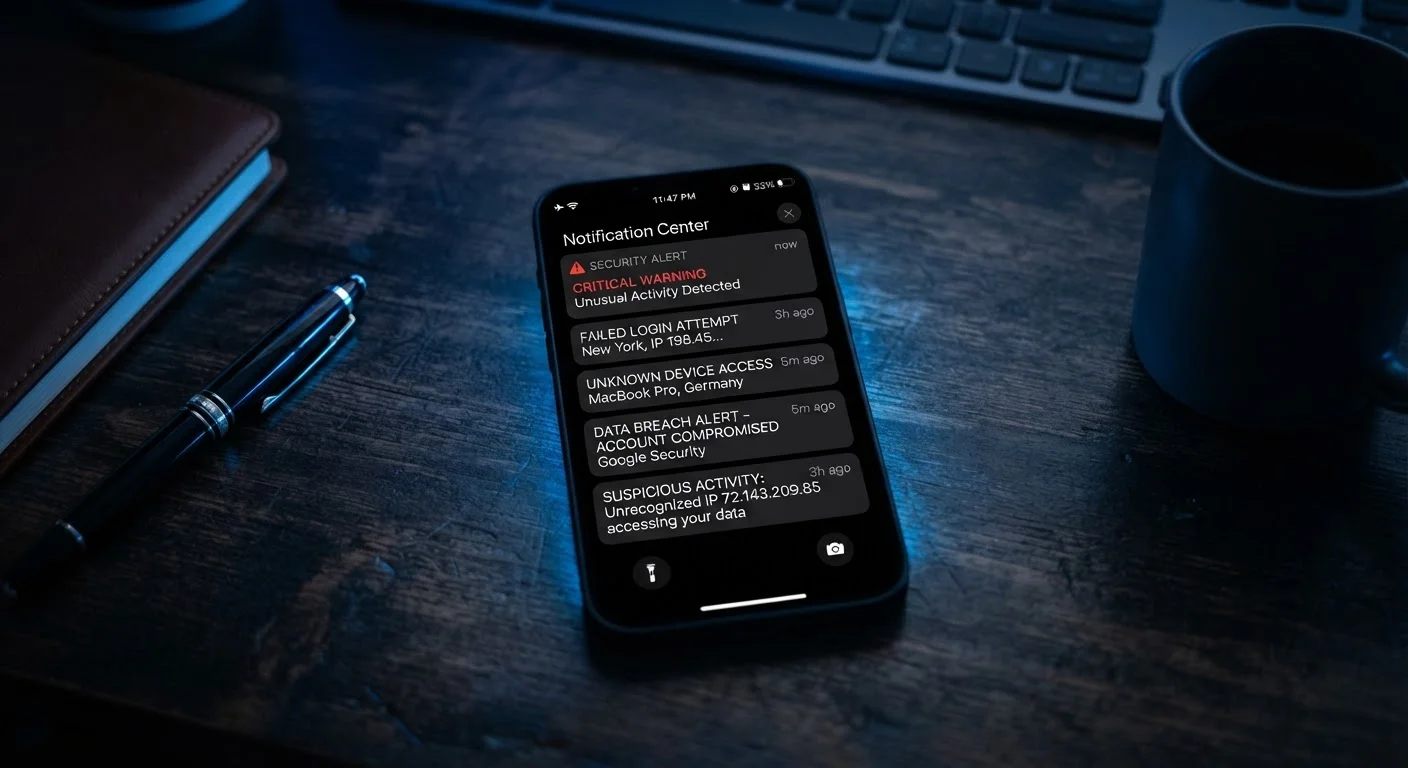
Photo: ShortwebArticles.com | Content For The Curious editorial
Key Takeaways
- Sudden battery drain, unfamiliar apps, and unexpected data spikes are common compromise indicators.
- Many warning signs have innocent explanations — investigate before assuming the worst.
- Updating software and running a reputable security scan are reliable first responses.
- If sensitive accounts may be affected, change passwords and enable two-factor authentication immediately.
- A factory reset is often the most thorough fix, but back up clean data first.
How to spot the warning signs
Most device compromises don't announce themselves. There's no alarm, no pop-up saying "you've been hacked." Instead, something just feels slightly off — the battery runs down faster, an unfamiliar app appears, or a friend asks why you sent them a strange link. Learning to recognise these subtle signals is the most practical skill you can develop for everyday digital safety.
The warning signs below cover the most common indicators that a phone, tablet, or laptop may have been tampered with, infected with malware, or had its credentials stolen. For context on how some device behaviours are widely misunderstood, our article on common smartphone myths is a useful companion read.
Many symptoms have innocent explanations
Unexplained battery drain or overheating
If your device's battery is depleting noticeably faster than usual — and you haven't changed your habits — something may be running in the background without your knowledge. Malicious software often stays active around the clock, communicating with external servers or logging your activity, all of which consumes power and generates heat.
Before panicking, rule out innocent causes: a recently installed legitimate app, an operating system update, or an aging battery can produce the same symptoms. Check your battery usage screen (available on both Android and iOS) to see which apps are consuming the most power. Unfamiliar entries at the top of that list deserve closer attention.
Malicious software often runs around the clock, silently draining battery and generating heat.
Apps you don't recognise or didn't install
Periodically scroll through your installed apps. If you spot something you don't remember downloading — particularly anything with a generic name like "System Tool" or "Battery Manager" — treat it with suspicion. Some malware disguises itself as utility software to avoid detection.
On Android, check whether "Install from unknown sources" is enabled in your settings. If it is and you didn't turn it on, that's a meaningful red flag. iOS is more restrictive, but enterprise certificates and jailbroken devices can still allow unauthorised installs. Uninstall anything unfamiliar and research its name before doing so — some results will confirm it's known malware.
An app you didn't install — especially one posing as a utility — is worth investigating immediately.
Unusual data usage spikes
Compromised devices frequently send data to outside parties — whether that's keystrokes, screenshots, location data, or stored files. This transmission shows up as higher-than-normal mobile data or Wi-Fi usage, often during times when you're not actively using the device.
Both Android and iOS let you view data usage broken down by app. Look for apps consuming data in the background at volumes that seem disproportionate to what they do. A simple flashlight app using gigabytes of background data has no legitimate reason to do so.
Data being sent to outside parties often leaves a visible footprint in your usage stats.
Performance that suddenly degrades
Slowdowns, frequent crashes, or a device that feels sluggish despite having adequate storage and a recent restart can indicate something is consuming resources in the background. Malware isn't the only culprit — software conflicts and fragmented storage can do the same — but a sharp, unexplained decline in performance is worth investigating.
Open your device's task manager or running-apps view. Processes you don't recognise, especially those that restart immediately after you close them, are a warning sign. Legitimate system processes generally have names that match your device's operating system documentation.
Processes that restart the moment you close them are rarely benign.
Strange account activity or messages sent without your knowledge
If contacts report receiving texts, emails, or social media messages that you didn't send, your device or one of your accounts may be compromised. Similarly, watch for login alerts from unfamiliar locations, password-reset emails you didn't request, or purchases in app stores you didn't authorise.
This type of activity often signals that credentials have been stolen, potentially through a phishing attempt or a data breach at a service you use. Our step-by-step data breach recovery guide covers exactly what to do when an account has been accessed without permission.
Messages sent from your accounts without your knowledge are among the clearest signs of compromise.
Pop-ups, redirects, or a changed browser homepage
A sudden increase in pop-up ads — especially ones appearing outside of a browser, on your home screen, or even when the device is idle — often points to adware. If your browser's default homepage or search engine changed without your input, a browser hijacker may be present.
These types of threats are less dangerous than spyware or keyloggers, but they can still expose you to phishing pages or further malicious downloads. Clear your browser's cache and extensions, and scrutinise any browser extension installed in the past few weeks.
Pop-ups appearing outside the browser, or on a locked screen, are not normal system behaviour.
Taking sensible next steps
Identifying a potential compromise is only the first part. Responding calmly and methodically matters just as much.
What to do if you suspect compromise
Once you've stabilised the situation, revisit your broader device habits. Good maintenance practices — keeping software updated, managing storage, and reviewing app permissions periodically — reduce the chances of a repeat. Our guide on keeping your devices running well for years walks through the habits that make the biggest long-term difference.
If you're dealing with a compromised old device you're planning to pass on, make sure to follow a thorough wipe process first — what to do before selling or donating an old device outlines every step. For broader guidance on staying safe online, the Digital Life & Safety hub is a practical starting point.
The content on this site is for informational purposes only and is not a substitute for professional advice. Always consult a qualified professional for guidance specific to your situation.