
Keeping Your Devices Running Well for Years

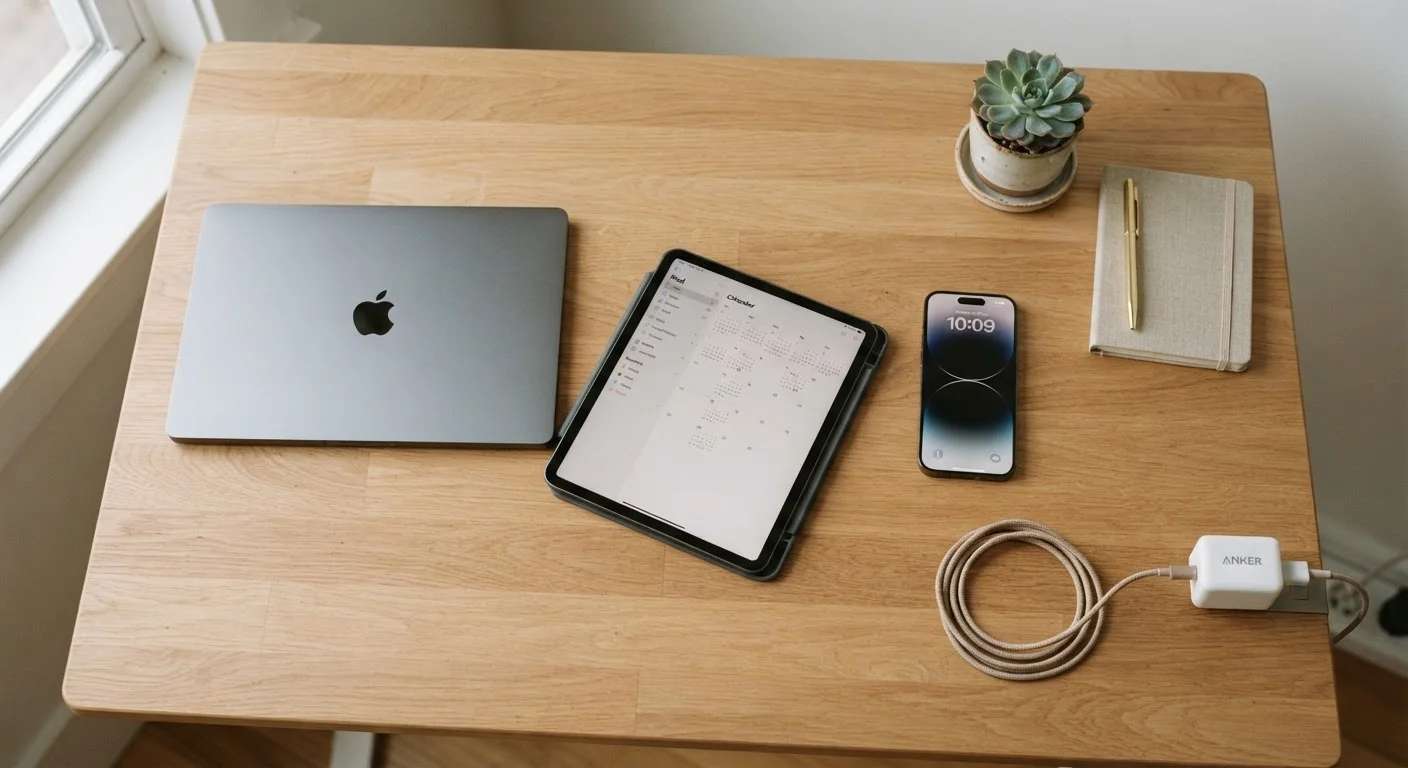
Photo: ShortwebArticles.com | Content For The Curious editorial
Key Takeaways
- Keeping battery charge between 20% and 80% significantly reduces long-term battery degradation.
- Regular software updates patch security vulnerabilities and often improve performance and stability.
- Managing storage proactively prevents slowdowns caused by a nearly full internal drive.
- Heat is one of the biggest enemies of device longevity — avoid charging in hot environments.
- Periodic restarts and app cleanups free up memory and keep devices running responsively.
Why Device Longevity Comes Down to Habits
Most devices don't fail all at once — they slow down, lose battery life, and become frustrating gradually. The good news is that this decline isn't inevitable. Thoughtful daily habits around charging, storage, and software can make a real difference in how well a phone, tablet, or laptop performs over time.
Think of it the way you might think about maintaining a car. You don't need to be a mechanic — you just need to know which habits matter. Our Digital Life & Safety hub covers a range of related practical tips for getting more from your technology.
Battery Care: The Habit That Pays Off Most
Battery health is one of the first things people notice declining, and it's also one of the most misunderstood areas of device maintenance. Charging patterns matter more than most people realize. For more on what's draining your battery in the first place, see why your phone battery drains so fast.
Heat is the other major battery risk. Leaving a device in a hot car, or charging it while it's inside a case on a warm surface, generates excess heat that speeds up chemical breakdown inside the battery. Whenever possible, charge in a cool, ventilated spot and remove thick cases if the device feels warm during charging.
Software, Storage, and Staying Secure
Software updates aren't just about new features — they routinely fix bugs that cause sluggish performance and patch security vulnerabilities that could expose your data. Skipping updates for months at a time leaves both performance and security gaps. Many slowdowns people attribute to aging hardware are actually software issues that an update would resolve.
Storage management is equally underappreciated. When a device's internal storage is nearly full, it has less room to write temporary files and run efficiently. As a general rule, aim to keep at least 10–15% of internal storage free. Regularly reviewing photos, apps you no longer use, and cached files (temporary data apps store locally) can free up meaningful space.
Security habits tie directly into device health, too. Malicious apps or compromised accounts can quietly run background processes that drain battery and slow performance. Learn the warning signs of a compromised device so you can act early if something seems off.
If you're unsure about any specs or features on your current device, it's worth separating fact from the many myths that circulate about smartphones — see the truth behind common smartphone myths for a clear-eyed look.
Physical Care and Knowing When to Move On
Physical protection matters too. A quality case and screen protector reduce the likelihood of damage from everyday drops and scratches. Keep ports and vents clear of debris — a clogged charging port or blocked laptop vent can cause connection problems and overheating respectively. Compressed air is a simple, inexpensive tool for keeping vents clear on laptops.
Eventually, every device reaches a point where continued use outweighs the benefit of repairs or workarounds. When you do decide to move on, make sure to properly wipe the device and protect your accounts first — our guide on what to do before selling or donating an old device walks through every step. And if you're thinking about what to replace your device with, choosing between a tablet and a laptop can help you find what fits your actual needs.
The content on this site is for informational purposes only and is not a substitute for professional advice. Always consult a qualified professional for guidance specific to your situation.