
Tablet or Laptop: Choosing the Right Tool for How You Actually Work

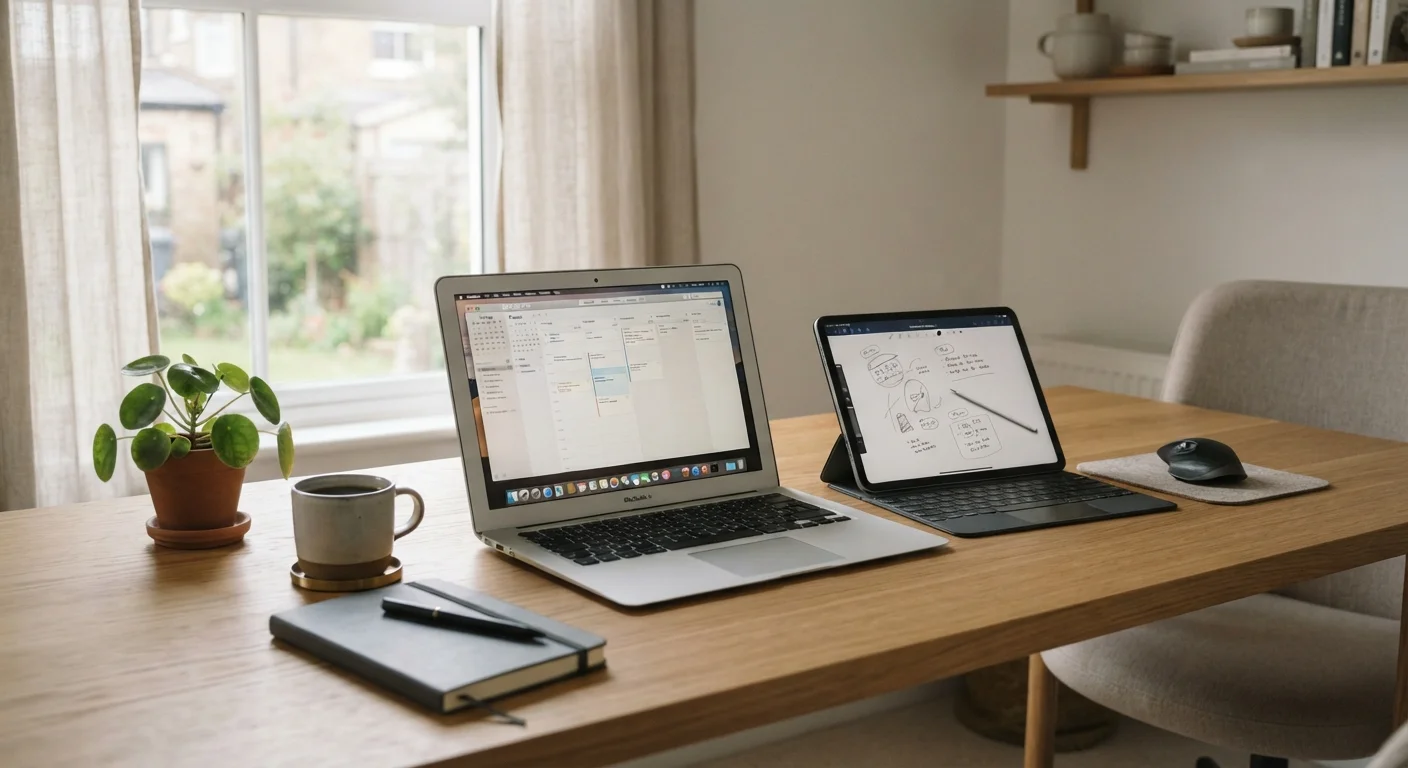
Photo: ShortwebArticles.com | Content For The Curious editorial
Key Takeaways
- Laptops generally handle multitasking, file management, and complex software better than tablets.
- Tablets excel at portability, battery life, and touch-based tasks like reading or sketching.
- Many tablets now support keyboards and styluses, blurring the line between the two device types.
- Your daily workflow — not marketing specs — should drive the decision.
- Some users genuinely benefit from owning both, while others can get by with just one.
Why This Choice Is Harder Than It Used to Be
A few years ago, the tablet-versus-laptop question had a fairly clear answer: tablets were for consuming content, laptops were for creating it. That distinction has gotten messier. Tablets now pair with detachable keyboards and precision styluses. Laptops have shed weight and gained touch screens. Some devices market themselves as both.
But hardware convergence doesn't mean your needs have converged. The device that fits your life depends on what you actually do with it most days — not what a product can technically accomplish in ideal conditions. Before comparing specs, it's worth mapping your own habits.
| Criterion | Laptop | Tablet |
|---|---|---|
| Keyboard experience | Built-in physical keyboard | Touch or optional add-on keyboard |
| Operating system flexibility | Full desktop OS (Windows or macOS) | Mobile/tablet OS with some limits |
| Typical weight | 3–6 lbs for most models | 1–2 lbs for most models |
| Battery life | 6–12 hours typical | 8–14 hours typical |
| Touch and stylus support | Available on some models | Core interaction method |
| Professional software access | Broad: most desktop apps available | Limited: many apps are mobile versions |
| File & storage management | Full file system access | More restricted; cloud-dependent |
| External device connectivity | Multiple ports standard | Often one port; adapters needed |
Where Laptops Still Have a Clear Edge
For anyone whose work revolves around a keyboard — writing, coding, data entry, accounting — a laptop's physical keyboard and full operating system remain hard to beat. Tablet keyboards exist, but they add bulk, cost, and an extra piece to manage. More importantly, tablet operating systems still impose real limits: file management is less intuitive, running multiple windows simultaneously is more restricted, and some professional software simply isn't available.
Laptops also tend to offer more local storage and more straightforward connections to external devices like monitors, printers, and hard drives. If you regularly work with large files — video projects, design assets, large datasets — that matters. For a deeper look at what hardware numbers actually mean day-to-day, see our guide to RAM, storage, and processing power.
~53%
U.S. adults who own a laptop or desktop
According to Pew Research Center survey data, roughly half of American adults rely on a laptop or desktop as a primary computing device.
~32%
U.S. adults who own a tablet
Pew Research Center data indicates tablet ownership among U.S. adults, reflecting their role as a secondary or supplementary device for many households.
Where Tablets Genuinely Shine
If portability is your top priority, tablets win almost every time. They weigh less, slip into bags more easily, and battery life on many models outlasts a typical laptop by several hours. For commuters, students, travelers, or anyone moving between spaces throughout the day, that adds up.
Tablets are also the better choice for touch-first tasks: reading e-books or PDFs, sketching and annotating with a stylus, casual browsing, video calls, and streaming. The screen-forward design feels natural for these activities in a way that a clamshell laptop never quite matches. If you take handwritten notes and want to stay organized digitally, a tablet with a stylus is genuinely useful rather than a gimmick.
Whatever you choose, good habits extend a device's useful life considerably. Our tips for keeping devices running well for years apply to both tablets and laptops.
Questions to Ask Before You Decide
Rather than starting with a product comparison, start with your routine. Ask yourself:
- Do I type for long stretches? If yes, a physical keyboard — and the laptop it's attached to — is likely worth it.
- Do I primarily read, watch, or annotate? A tablet handles these more comfortably.
- Do I need specific software? Check whether it has a full-featured tablet version before assuming it does.
- How often do I carry my device? Daily commuters and travelers feel the weight difference acutely.
- What's my budget? Capable tablets can be found at lower price points than comparable laptops, but adding a keyboard and stylus narrows that gap.
Do You Actually Need Both?
If you're leaning toward a laptop and this would be your first, our guide for first-time laptop owners walks through setup, maintenance, and the habits that keep it running smoothly.
The content on this site is for informational purposes only and is not a substitute for professional advice. Always consult a qualified professional for guidance specific to your situation.