
Your Phone's Battery Is Draining Fast — Here's Why

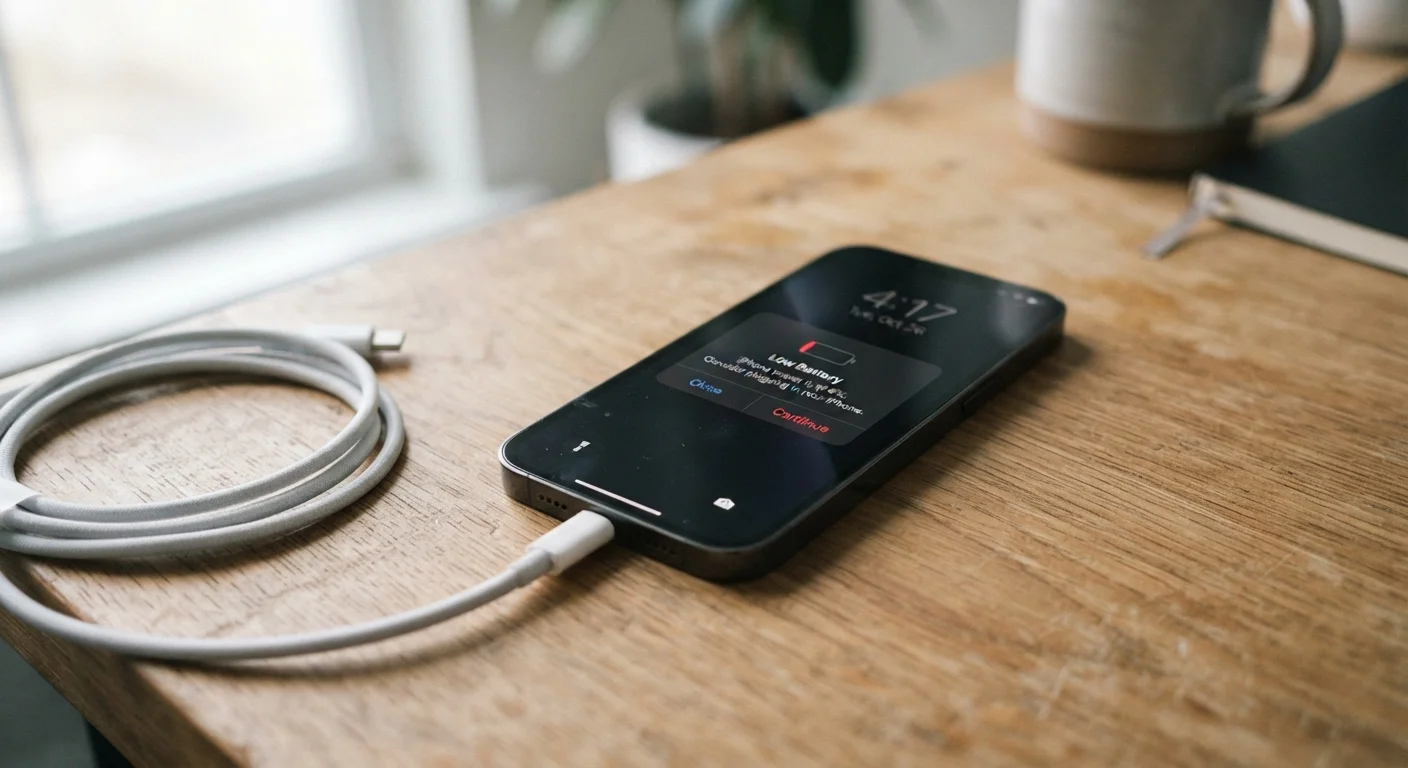
Photo: ShortwebArticles.com | Content For The Curious editorial
Key Takeaways
- Background apps, screen brightness, and location services are among the biggest battery drains.
- Many battery-killing habits are easy to fix once you know what to look for.
- Unusual battery drain can sometimes signal a software problem or compromised device.
- Checking your phone's built-in battery usage screen is the fastest way to spot the culprit.
Why Your Battery Seems Fine One Week and Dead the Next
Battery drain rarely happens for one single reason. It's usually several small factors compounding quietly in the background — apps refreshing, screens staying bright, radios searching for signals. The frustrating part is that most of these are invisible unless you know where to look.
The good news: every smartphone has a built-in battery usage screen that breaks down exactly which apps and system features are consuming power. On iPhone, go to Settings > Battery. On Android, look under Settings > Battery > Battery Usage. Start there before changing anything else. It will often point to one or two obvious culprits right away.
It's also worth understanding what's normal. Heavy screen-on time, video streaming, and navigation will always draw significant power — no settings change can fully offset those. The goal is to reduce the unnecessary drain happening when your phone is sitting in your pocket.
Sudden Drain May Signal a Bigger Problem
The Most Common Mistakes That Kill Battery Life
Most battery problems aren't hardware failures — they're habits and default settings that haven't been revisited since the phone was set up. The mistakes below account for the majority of preventable battery drain.
Leaving screen brightness at maximum all the time.
Allowing dozens of apps to run location services constantly.
Keeping background app refresh enabled for all apps.
Ignoring outdated software with known battery bugs.
Using 'Push' email delivery for multiple accounts simultaneously.
For a broader look at how to extend the working life of your device well beyond these quick fixes, good long-term device habits covers charging practices, storage, and software maintenance in more depth.
A Few Things That Won't Help As Much As You Think
There's a lot of folk wisdom around battery life that doesn't hold up under scrutiny. Force-closing apps, for example, is widely believed to save battery — but on modern smartphones, the operating system already manages memory efficiently. Constantly killing apps can actually make your battery work harder, since reopening an app from scratch uses more power than resuming a paused one.
~30%
Battery drain attributed to screen-on time
Display activity is consistently cited by device manufacturers as the single largest drain category on most smartphones.
Up to 20%
Drain reduction from disabling background refresh
Independent testing by consumer technology outlets has found that disabling background app refresh for non-essential apps can reduce daily battery consumption noticeably.
Similarly, the idea that you must always charge to exactly 100% or always drain to 0% before recharging is largely a myth rooted in older battery chemistry. Modern lithium-ion batteries prefer partial charges. For more on that and other persistent misconceptions, see the truth behind common smartphone myths.
Connectivity also plays a role many people overlook. If your phone is constantly searching for a Wi-Fi signal in a weak-coverage area, that search consumes power continuously. Toggling Wi-Fi off when you're somewhere with no usable network — and understanding why Wi-Fi performance varies — can help your phone stop wasting energy on a fruitless search.
The content on this site is for informational purposes only and is not a substitute for professional advice. Always consult a qualified professional for guidance specific to your situation.