
Why Your Wi-Fi Slows Down at Night (And What's Actually Happening)

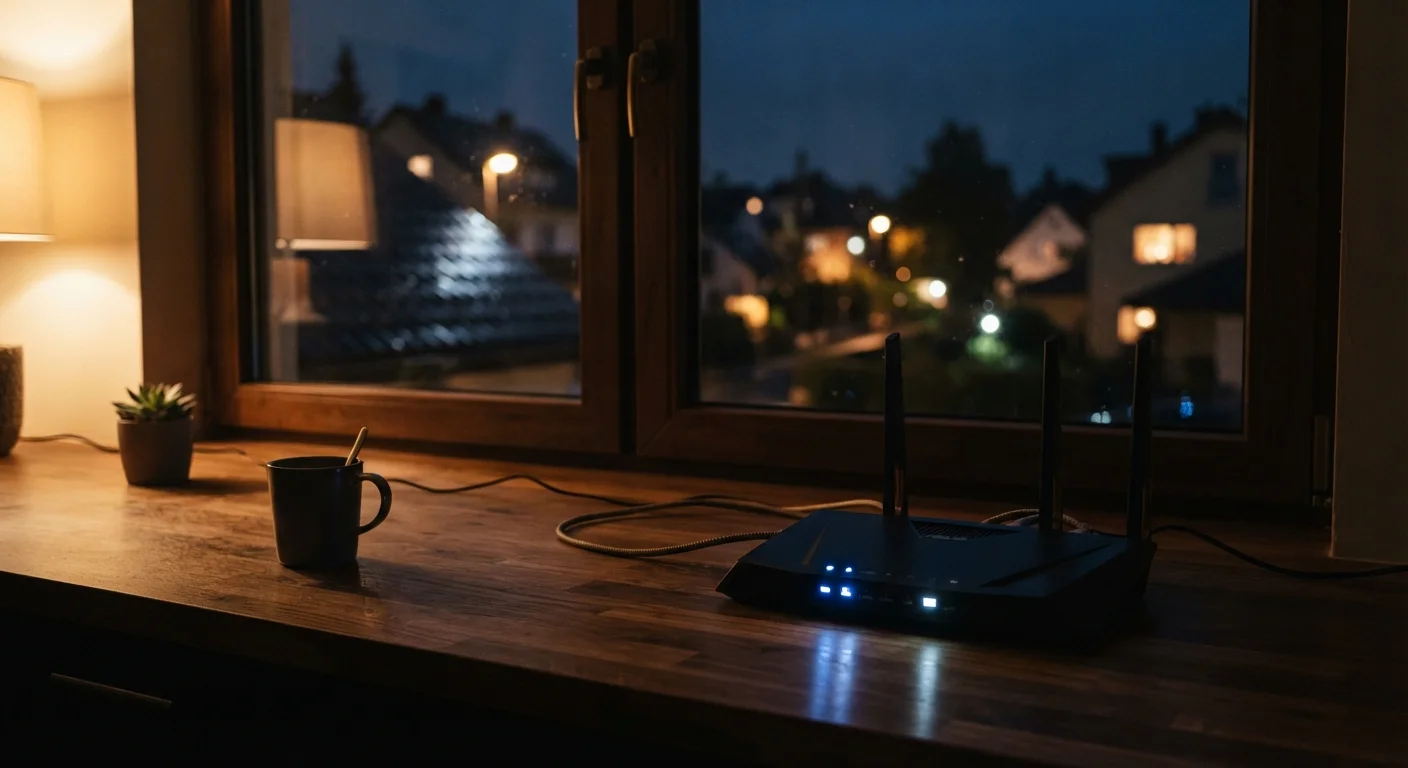
Photo: ShortwebArticles.com | Content For The Curious editorial
Key Takeaways
- Evening slowdowns are usually caused by neighborhood-wide congestion on shared ISP infrastructure, not your router.
- Internet connections in most neighborhoods are shared resources, similar to a neighborhood water main.
- Rebooting your router rarely fixes congestion — the bottleneck is upstream from your home.
- Switching to the 5 GHz Wi-Fi band and scheduling large downloads for off-peak hours can offer modest relief.
- Persistent severe slowdowns may signal a genuine capacity issue worth reporting to your ISP.
The Real Culprit: Shared Infrastructure
Your home network — the connection between your devices and your router — is almost never the reason your streaming stutters at 8 PM. The actual bottleneck sits further upstream, in the shared cables and nodes your ISP uses to serve your entire neighborhood.
Most residential internet connections are delivered over shared infrastructure. With cable internet, for example, dozens to hundreds of homes in the same area connect through the same physical node. That node has a fixed capacity. During the day, when most people are at work or school, that capacity is plentiful. In the evening, when everyone is home and online at once, demand spikes and speeds drop across the board.
Understanding how your Wi-Fi signal actually travels helps clarify why the problem is rarely your router. Your home network may be functioning perfectly — the congestion is happening between your ISP's local node and the wider internet.
Wi-Fi Speed vs. Internet Speed: An Important Distinction
What's Happening on the Network During Peak Hours
Picture a neighborhood water main. Every home draws from the same pipe, and pressure stays high when only a few faucets are open. Turn on every faucet on the block at once and pressure drops for everyone. Residential internet works on a similar principle — a concept called contention ratio, meaning the number of users sharing a fixed pool of bandwidth.
ISPs design their networks around statistical averages: not everyone will use maximum bandwidth simultaneously. That calculation usually holds during off-peak hours. Between roughly 7 PM and 11 PM on weeknights, however, usage patterns converge. Streaming services, online gaming, and video calls all demand sustained, high-throughput connections at the same time. The network gets saturated, and speeds fall.
7–11 PM
Typical peak congestion window for residential ISPs
Industry usage data consistently shows evening weeknight hours as the period of highest residential internet demand.
Up to 50%
Potential speed drop during peak hours on congested networks
FCC Measuring Broadband America reports have documented significant speed variation between peak and off-peak periods on some cable networks.
This is also why a speed test result can look dramatically different at 10 AM versus 9 PM on the same plan, with the same equipment, in the same house.
What You Can Actually Do About It
You cannot change how your ISP built its network, but a few practical steps can make peak-hour slowdowns less disruptive.
- Switch Wi-Fi bands. If your router broadcasts both 2.4 GHz and 5 GHz networks, connecting to 5 GHz reduces interference from neighboring routers — though it doesn't change your ISP connection speed. For more on how band selection affects performance, see common home network missteps.
- Schedule large downloads for off-peak hours. Software updates, game downloads, and file backups can be queued for late night or early morning when capacity is available.
- Run a diagnostic speed test. Test once in the morning and once in the evening. A large gap suggests congestion. If speeds are consistently far below what your plan promises even at off-peak hours, that's worth reporting to your ISP.
- Check for unauthorized users. Unexpected devices on your network can quietly consume bandwidth. Securing your home Wi-Fi ensures you're not sharing your connection unintentionally.
Use Speed Tests as Your Diagnostic Tool
If your home has genuine coverage gaps — rooms where the signal is weak regardless of time — that's a separate issue from congestion. A mesh Wi-Fi system can help with coverage, but it won't fix a congested upstream connection.
When to Push Back on Your ISP
Some congestion is normal and occasional. Persistent, severe slowdowns every evening — especially when your off-peak speeds are well below your plan's advertised rate — are worth escalating. Document your speed test results with timestamps over several days. That data is far more useful in a conversation with your ISP than a vague complaint about slow streaming.
ISPs are generally required to provision enough capacity to deliver reasonably consistent speeds. Sustained, widespread congestion in a neighborhood can reflect under-investment in local infrastructure. Before making that call, it helps to work through a basic troubleshooting checklist to confirm the issue is not on your end.
“Network congestion during peak hours is an architectural reality of shared broadband infrastructure. The capacity constraints residents experience in the evening are a function of how many subscribers share the same local node — and how much that node has been provisioned to handle.”
— Federal Communications Commission, Measuring Broadband America Program Documentation
Understanding what's happening — and where — is the first step to making an informed decision about whether to troubleshoot, adjust your habits, or push your provider for answers.
Frequently Asked Questions
The content on this site is for informational purposes only and is not a substitute for professional advice. Always consult a qualified professional for guidance specific to your situation.