
Phishing, Smishing, and Vishing: How Each Scam Works and How to Spot Them

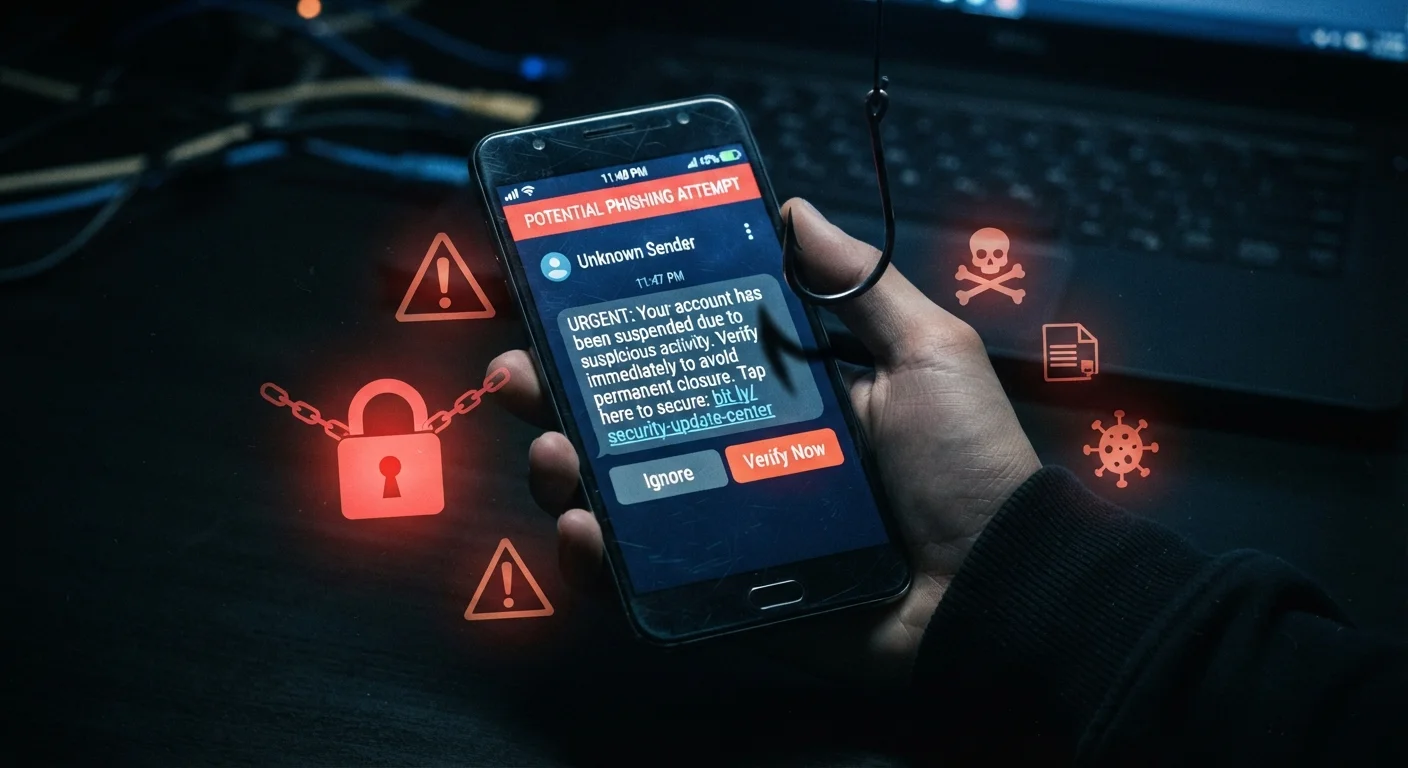
Photo: ShortwebArticles.com | Content For The Curious editorial
Three Scams, One Goal: Steal Your Information
Cybercriminals don't need to hack your device directly — they just need to trick you into handing over access. Phishing, smishing, and vishing are three variations of the same social engineering playbook, each delivered through a different channel. Understanding how they differ is the first step to recognizing them before any damage is done.
| What is phishing? | Fraudulent emails impersonating trusted senders to steal credentials |
| What is smishing? | SMS-based phishing delivered via text message |
| What is vishing? | Voice phishing conducted over phone calls, often with spoofed caller ID |
| Common targets | Bank accounts, Social Security numbers, login credentials, payment info |
| Primary defense | Pause before acting; verify directly through official channels |
| Where to report | FTC (ReportFraud.ftc.gov) and FBI IC3 (ic3.gov) |
All three scams rely on urgency, impersonation, and fear to short-circuit your judgment. A message claims your account is locked, a package can't be delivered, or suspicious activity was detected. The pressure is intentional — the less time you feel you have, the less likely you are to pause and question what you're reading or hearing.
Phishing: The Email That Looks Legitimate
Phishing arrives in your email inbox disguised as a trusted sender — your bank, a government agency, a streaming service, or a workplace IT team. The message typically contains a link to a convincing fake login page designed to capture your credentials the moment you enter them.
Red flags to watch for in phishing emails:
- Sender address mismatch: The display name looks right, but the actual email domain is off by a letter or uses a public domain like Gmail.
- Generic greetings: "Dear Customer" instead of your actual name suggests a mass campaign.
- Urgent or threatening language: Warnings about account suspension or unauthorized access push you to act without thinking.
- Suspicious links: Hover over any link before clicking — the URL preview often reveals a domain that doesn't match the claimed sender.
Spear phishing is a more targeted version where scammers personalize the message using details gathered from social media or data breaches. If you've ever wondered whether only careless people fall for these, our article on identity theft myths separates fact from fiction.
Smishing and Vishing: Text and Phone Attacks
Smishing (SMS phishing) works the same way as email phishing but arrives as a text message. Common lures include fake package delivery alerts, bank fraud warnings, or prize notifications. Text messages feel more personal and immediate than email, which is exactly why they work — open rates for texts are significantly higher than for email.
Signs of a smishing message:
- An unknown or spoofed number, sometimes appearing in an existing conversation thread
- A shortened or unfamiliar URL asking you to "confirm" or "verify" information
- A request to call a number or reply with personal data
Phishing
A cyberattack delivered via email where scammers impersonate a trusted entity to trick recipients into revealing sensitive information or clicking malicious links.
Smishing
A form of phishing conducted through SMS text messages. Attackers send fake alerts or offers containing harmful links or requests for personal data.
Vishing
Voice phishing carried out over phone calls. Scammers use impersonation and social pressure to extract sensitive information from victims verbally.
Spoofing
The practice of disguising a communication's origin — such as faking a caller ID or email address — to make it appear as though it comes from a trusted source.
Social Engineering
Psychological manipulation used to deceive people into divulging confidential information or taking harmful actions, rather than exploiting technical vulnerabilities.
Multi-Factor Authentication (MFA)
A security method requiring two or more forms of verification before granting account access, reducing risk when passwords are compromised.
Vishing (voice phishing) happens over the phone. A caller impersonates the IRS, Social Security Administration, your bank, or even tech support — often using auto-dialers or spoofed caller ID to appear credible. Scammers may already know your name or partial account details to build trust quickly.
Key vishing warning signs:
- Unexpected calls demanding immediate payment, often in gift cards or wire transfers
- Requests for your Social Security number, PIN, or full account credentials over the phone
- Pressure not to hang up or verify through official channels
If your device behaves strangely after engaging with any suspicious link or call, see our guide on signs your device has been compromised for practical next steps.
Caller ID Is Not Proof of Identity
What to Do If You Suspect a Scam
The safest rule: don't act on unsolicited contact. If a message or call claims to be from your bank or a government agency, hang up or close the message and contact that organization directly using a number from their official website or the back of your card.
Additional protective steps:
- Enable multi-factor authentication (MFA) on all important accounts so that stolen passwords alone aren't enough to grant access.
- Report phishing emails using your email provider's built-in reporting tool, or forward them to the FTC at reportphishing@apwg.org.
- Report smishing attempts by forwarding the text to 7726 (SPAM) — a free service supported by major U.S. carriers.
- File reports with the FTC at ReportFraud.ftc.gov or the FBI's Internet Crime Complaint Center (IC3) at ic3.gov.
No reputable institution will ever ask for your password, full Social Security number, or payment via gift card over an unsolicited message or call. When in doubt, verify independently and report.
The content on this site is for informational purposes only and is not a substitute for professional advice. Always consult a qualified professional for guidance specific to your situation.