
Social Media Privacy Settings Most People Never Touch

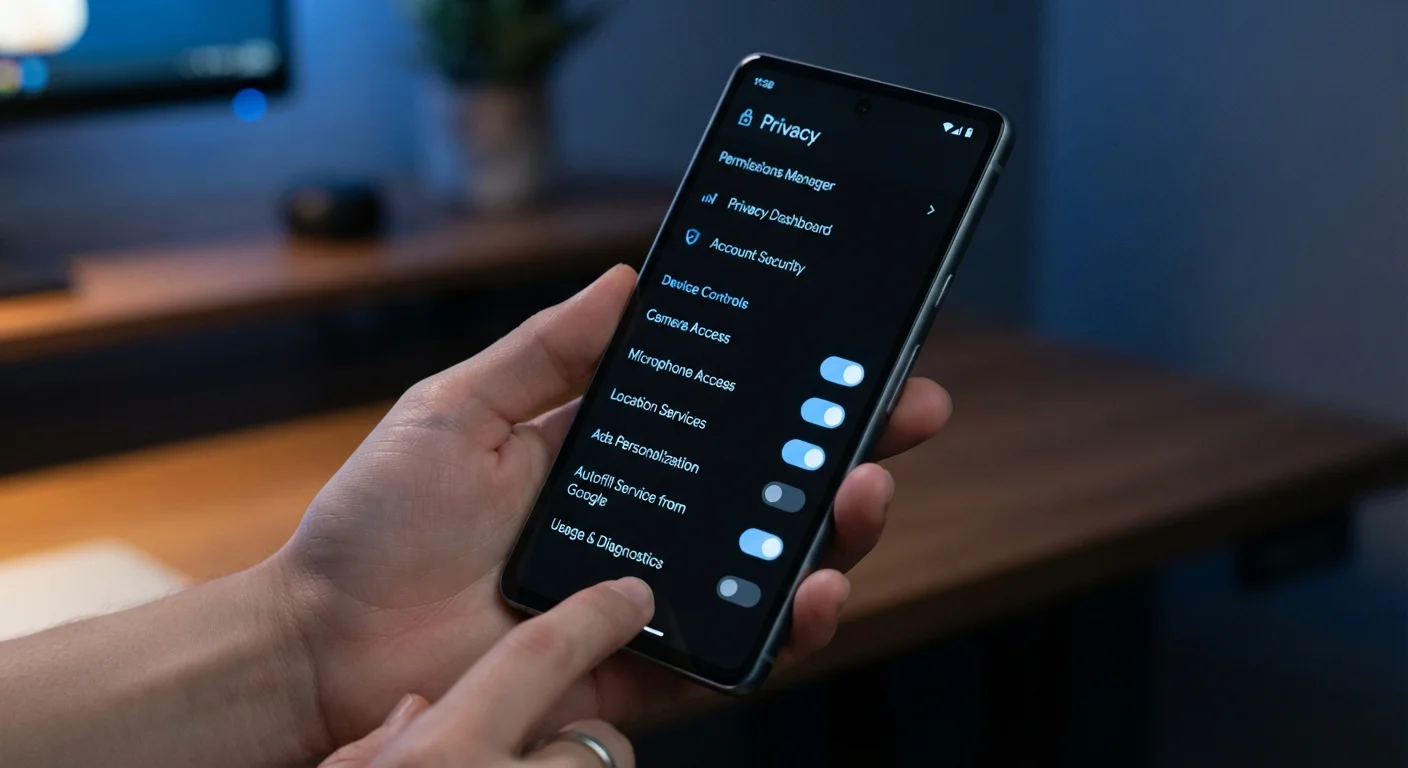
Photo: ShortwebArticles.com | Content For The Curious editorial
Key Takeaways
- Social platforms ship with permissive defaults that favor visibility over privacy.
- Many critical settings — like third-party app access and location history — are buried deep in menus.
- Reviewing these settings periodically is more effective than a one-time audit.
- Limiting data access reduces exposure to advertisers, data brokers, and bad actors.
- Each platform has its own privacy architecture — a check on one doesn't cover the others.
Why Default Settings Work Against You
When you create a social media account, the platform's default configuration is rarely set up with your privacy in mind. Defaults tend to maximize data collection, content visibility, and third-party access — because those settings benefit the platform's business model, not yours.
Most people accept these defaults without realizing what they've agreed to. Profile information becomes searchable by anyone. Location data gets logged. Connected apps accumulate permissions indefinitely. The good news is that nearly all of these settings are reversible — they're just not easy to find.
Understanding what's actually being shared is the first step. Personal details shared online carry real-world risk — things like your birthday, employer, and hometown are routinely used to guess security questions or construct phishing attempts. Tightening your privacy settings is one concrete way to reduce that exposure.
Use the checklist below to work through the categories most people overlook. You don't need to lock down every account to zero — but you should be making deliberate choices rather than accepting someone else's defaults.
Platform Privacy Checkup Tools
Facebook, Google, and several other platforms offer a guided "Privacy Checkup" wizard that walks through key settings in one session.
Password Manager
Useful for maintaining unique, strong passwords across all social accounts — a prerequisite to meaningful privacy.
Email Alias Service
Lets you sign up for platforms using a masked email address, reducing spam and limiting data linkage across services.
The Privacy Settings Audit Checklist
Work through each category below on every platform you actively use. Settings menus vary by platform, but the categories apply broadly to Facebook, Instagram, X (formerly Twitter), LinkedIn, TikTok, Snapchat, and similar networks.
Profile & Discoverability
Location & Activity Tracking
Third-Party App Access
Tagging & Mentions
Ads & Data Use
Settings Reset After App Updates
Once you've tightened your social media settings, consider extending that review to the apps on your phone. App permissions are worth a second look — many social platform companion apps request access far beyond what they need to function.
If you manage accounts for children or teenagers, the stakes are higher. Keeping kids safe online requires understanding today's platforms, many of which have separate (and often weaker) privacy controls for minor accounts.
Deleting Posts Doesn't Erase Platform Data
The content on this site is for informational purposes only and is not a substitute for professional advice. Always consult a qualified professional for guidance specific to your situation.