
Bluetooth, NFC, and AirDrop: The Wireless Sharing Alphabet Decoded

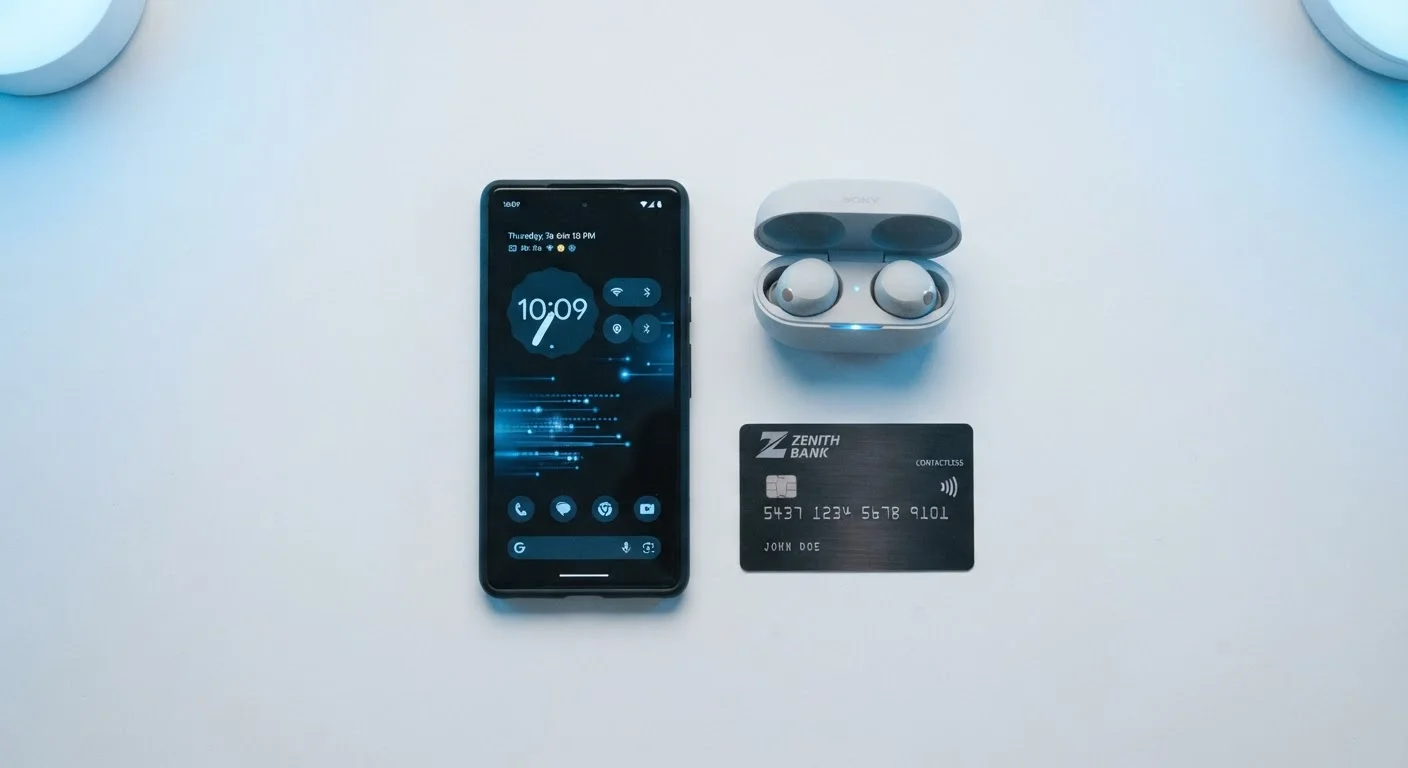
Photo: ShortwebArticles.com | Content For The Curious editorial
Why Three Technologies Instead of One?
If wireless is wireless, why do your devices use different protocols depending on the task? The short answer: no single radio technology is ideal for every job. Range, speed, power draw, and the nature of the data being transferred all pull in different directions. Bluetooth, NFC, and AirDrop each carve out a specific niche — and knowing which is which saves you frustration when a transfer fails or your battery drains faster than expected.
| Bluetooth typical range | ~30 feet (Class 2 devices); up to 800+ feet (Bluetooth 5.0, open space) (Bluetooth SIG specifications) |
| NFC operating range | Under 4 cm (~1.5 inches) (ISO/IEC 18000-3 standard) |
| AirDrop range | ~30 feet (uses Bluetooth + Wi-Fi Direct) (Apple support documentation) |
| NFC transaction speed | Typically under 0.1 seconds (NFC Forum) |
| AirDrop platform | Apple devices only (iPhone, iPad, Mac) (Apple support documentation) |
| Bluetooth frequency band | 2.4 GHz (Bluetooth SIG specifications) |
For a broader look at how your device manages connectivity, see our Internet & Connectivity hub — it covers everything from home Wi-Fi to cellular data.
Bluetooth: The Short-Range Workhorse
Bluetooth is the most familiar of the three. It operates in the 2.4 GHz radio band and creates a persistent, low-power link between two (or more) devices over distances typically up to about 30 feet for standard devices — though newer Bluetooth versions can reach significantly farther in open space.
Its primary job is continuous streaming and control. When you pair wireless headphones, a keyboard, a car audio system, or a fitness tracker, you're using Bluetooth. The connection stays open and active, which is why it works well for audio playback: the data flows in a steady, ongoing stream rather than as a one-time burst.
Key things to know:
- Pairing is a one-time step; reconnection afterward is usually automatic.
- Newer versions (Bluetooth 5.0 and later) offer improved range and throughput compared to older hardware.
- Multiple active connections can increase battery drain, though modern chips are engineered for efficiency.
- The 2.4 GHz band is shared with Wi-Fi and microwaves — interference is possible in crowded environments.
Bluetooth pairing
The one-time authentication process that creates a trusted link between two Bluetooth devices. Once paired, devices can reconnect automatically in the future without repeating the full pairing sequence.
NFC (Near Field Communication)
A short-range wireless standard that enables data exchange when two compatible devices or a device and a passive tag are brought within a few centimeters of each other. Widely used for contactless payments and quick data handshakes.
Wi-Fi Direct
A Wi-Fi standard that lets devices connect directly to each other without a router in between. AirDrop uses Wi-Fi Direct to transfer the actual file data at high speed after Bluetooth completes the discovery step.
Passive NFC tag
An NFC chip with no battery of its own. It harvests the tiny amount of power it needs from the electromagnetic field generated by an active reader, making it practical for embedding in labels, packaging, or wristbands.
2.4 GHz band
A segment of the radio frequency spectrum used by Bluetooth, older Wi-Fi standards, and many other consumer devices. Because so many technologies share this band, interference is more common here than in the less-crowded 5 GHz band.
NFC: The Tap-and-Go Standard
Near Field Communication operates over an extremely short range — typically under 4 centimeters (about 1.5 inches). That tight range isn't a flaw; it's a deliberate security feature. You have to physically bring two devices or a device and a tag into close proximity, which dramatically reduces the risk of accidental or unauthorized data transfer.
NFC excels at quick, single-moment exchanges: contactless payments (tap your phone at a register), transit card emulation, reading a product tag in a store, or pairing a Bluetooth speaker by tapping your phone against it. The transaction is over in a fraction of a second.
One detail worth understanding: NFC doesn't require both devices to be powered. A passive NFC tag — the kind embedded in product packaging or event wristbands — draws the tiny amount of power it needs from the reader's radio field. This makes NFC practical for labeling, inventory, and information lookup scenarios where a battery is impractical.
~4 cm
Maximum NFC read distance
The NFC Forum defines the maximum practical operating range as under 4 centimeters, a constraint that functions as a built-in security boundary.
Billions
NFC-enabled devices shipped globally
The NFC Forum has reported that NFC technology is present in billions of devices worldwide, spanning smartphones, payment terminals, and wearables.
2 Mbps
Bluetooth 5.0 max data rate
Bluetooth 5.0 doubled the data throughput of Bluetooth 4.2, according to the Bluetooth Special Interest Group (SIG).
AirDrop: The Ecosystem-Specific File Shuttle
AirDrop is different in a fundamental way: it isn't an independent radio standard. It's a proprietary Apple protocol that uses Bluetooth and Wi-Fi together. Bluetooth handles the initial device discovery handshake; Wi-Fi Direct then takes over for the actual file transfer, delivering much higher throughput than Bluetooth alone could manage.
The practical result is fast, peer-to-peer file transfers between Apple devices — photos, videos, documents, links — without needing an internet connection or cloud intermediary. Files go directly from device to device as long as both are within range (roughly 30 feet) and have the feature enabled.
Because AirDrop is a software layer built on top of standard radios, Android and Windows devices cannot participate natively. Comparable functionality exists on other platforms under different names and implementations, but they are not interoperable with AirDrop.
For a deeper look at how the Wi-Fi layer underneath protocols like AirDrop actually moves data, our Wi-Fi explainer covers signals, channels, and interference in plain language. And if you've ever wondered whether device myths like "Bluetooth kills your battery" hold up, our smartphone myths article separates fact from folklore.
AirDrop Privacy Controls Matter
Choosing the Right Tool for the Job
A quick decision framework:
- Streaming audio or connecting a peripheral? Use Bluetooth.
- Making a contactless payment or reading a tag? Use NFC.
- Sending a photo or file to a nearby iPhone or Mac? Use AirDrop.
These technologies rarely compete with each other because they rarely overlap in use case. Understanding that distinction is the first step toward getting reliable results from your devices — no cables required. For decisions about when to use Wi-Fi versus cellular data for internet-dependent transfers, our Wi-Fi vs. mobile data guide walks through the full picture.
Bluetooth Special Interest Group (SIG)
The official body governing Bluetooth standards. Their public site explains Bluetooth versions, use cases, and device compatibility in accessible language.
NFC Forum
The industry consortium that defines NFC standards. A useful reference for understanding how NFC tags, readers, and devices are expected to interoperate.
Apple AirDrop Support Page
Apple's official documentation for AirDrop covers setup, troubleshooting, and privacy settings across iPhone, iPad, and Mac devices.
The content on this site is for informational purposes only and is not a substitute for professional advice. Always consult a qualified professional for guidance specific to your situation.