
Wi-Fi vs. Mobile Data: When to Use Each and Why It Matters

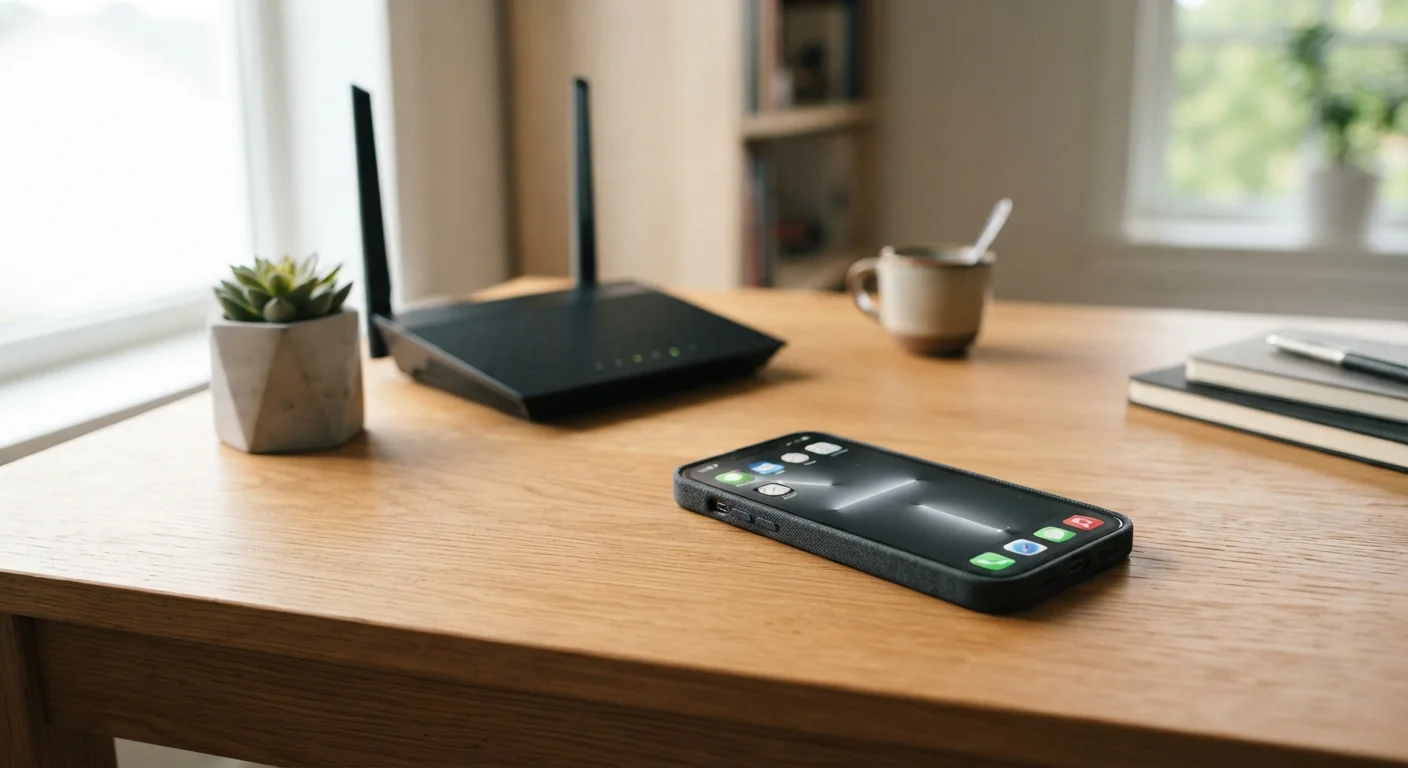
Photo: ShortwebArticles.com | Content For The Curious editorial
Key Takeaways
- Wi-Fi is generally faster and cheaper for high-data tasks like streaming and video calls.
- Mobile data travels with you but draws from a monthly plan that typically has a data cap.
- Public Wi-Fi networks carry real security risks and should be used cautiously for sensitive tasks.
- Your device automatically prefers Wi-Fi when available, but you can override this in settings.
- Understanding each connection type helps you avoid unexpected overage charges and security gaps.
What Each Connection Actually Is
Wi-Fi and mobile data both get your phone or tablet online, but they use completely different infrastructure. Wi-Fi connects your device to a local router — usually in your home, office, or a public venue — which is itself linked to a broadband internet service. Your device communicates over radio waves on a short range, typically up to a few hundred feet from the router.
Mobile data, by contrast, connects directly to your carrier's cell towers using the same radio spectrum as phone calls. Standards like 4G LTE and 5G define how fast that connection can be. There's no router involved — the cellular network acts as both the local link and the pipeline to the internet. For a deeper look at how Wi-Fi signals propagate and where interference comes from, see how Wi-Fi actually works.
| Criterion | Wi-Fi | Mobile Data |
|---|---|---|
| Typical speed | 25–500+ Mbps (home broadband) | 10–300+ Mbps (varies by carrier and coverage) |
| Data limits | Usually unlimited or very high cap | Monthly cap; throttling common after limit |
| Cost per GB | Very low on a flat-rate plan | Higher; overage charges possible |
| Security on public networks | Variable; open networks carry real risk | More private; encrypted by default |
| Range / portability | Limited to router range (roughly 100–300 ft) | Works anywhere with cell coverage |
| Reliability indoors | Generally stable on a good router | Can degrade in basements or rural areas |
| Setup required | Router, ISP subscription, password | None — built into device with active plan |
Speed, Cost, and Data Caps
In most home environments, Wi-Fi delivers higher and more consistent speeds than mobile data — partly because a broadband connection is dedicated to your household rather than shared across hundreds of nearby users on a cell tower. That said, 5G mobile data can rival or exceed home broadband speeds in areas with strong coverage.
Cost is where the difference becomes most practical. Home internet plans typically offer unlimited data (or very high caps) for a flat monthly fee. Mobile plans vary widely, but many impose caps — sometimes called soft caps — after which speeds are throttled significantly. Running a 4K video stream over mobile data, for example, can chew through several gigabytes in an hour.
~15 GB
Average US monthly mobile data use per smartphone
According to Ericsson's Mobility Report, average monthly mobile data consumption per smartphone in North America has grown steadily, reaching approximately 15 GB in recent years.
~80%
Share of smartphone data consumed over Wi-Fi
Industry analyses from Cisco and similar sources have consistently found that the majority of smartphone data traffic is offloaded to Wi-Fi rather than consumed over cellular networks.
Understanding your own plan's limits is the first step to making smarter switching decisions. Your carrier's app or account page will show current usage in real time.
The Security Dimension People Often Overlook
Security is where the Wi-Fi versus mobile data conversation becomes genuinely important — especially for anyone doing online banking, accessing work systems, or entering passwords on a phone.
Public Wi-Fi networks — airports, hotels, coffee shops — are convenient but come with real risks. Because many require no password or use shared credentials, other users on the same network can potentially intercept unencrypted traffic. Reputable websites use HTTPS encryption, which helps, but it doesn't eliminate all risk from a hostile network.
Mobile data is fundamentally more private in this context. Your cellular connection is between your device and your carrier's encrypted network infrastructure — strangers nearby can't eavesdrop on it the way they might on an open Wi-Fi hotspot.
When to Think Twice on Public Wi-Fi
Your home Wi-Fi, properly secured with a strong WPA3 or WPA2 password, sits in a different category from public networks. It's generally safe for sensitive tasks — the risks are much lower when you control who has network access.
Making Your Device Work Smarter
Most smartphones automatically prefer Wi-Fi when a known network is in range, falling back to mobile data when it isn't. This default behavior is sensible for most situations, but your device gives you control over it.
If you notice your phone clinging to a weak or slow Wi-Fi network when your cellular signal is strong, you can temporarily disable Wi-Fi or — on most modern phones — enable a setting called Wi-Fi Assist (iOS) or Adaptive Connectivity (Android), which automatically switches to mobile data when Wi-Fi quality drops below a useful threshold.
For households looking to improve Wi-Fi coverage so mobile data is less of a fallback, see mesh Wi-Fi systems and their trade-offs. And if you want a broader understanding of everything shaping your home connection, this end-to-end home internet guide covers the full picture — from hardware to your monthly bill. The difference between your modem and router is also worth understanding before troubleshooting any connectivity issues.
The content on this site is for informational purposes only and is not a substitute for professional advice. Always consult a qualified professional for guidance specific to your situation.