
How Software Updates Actually Protect Your Devices

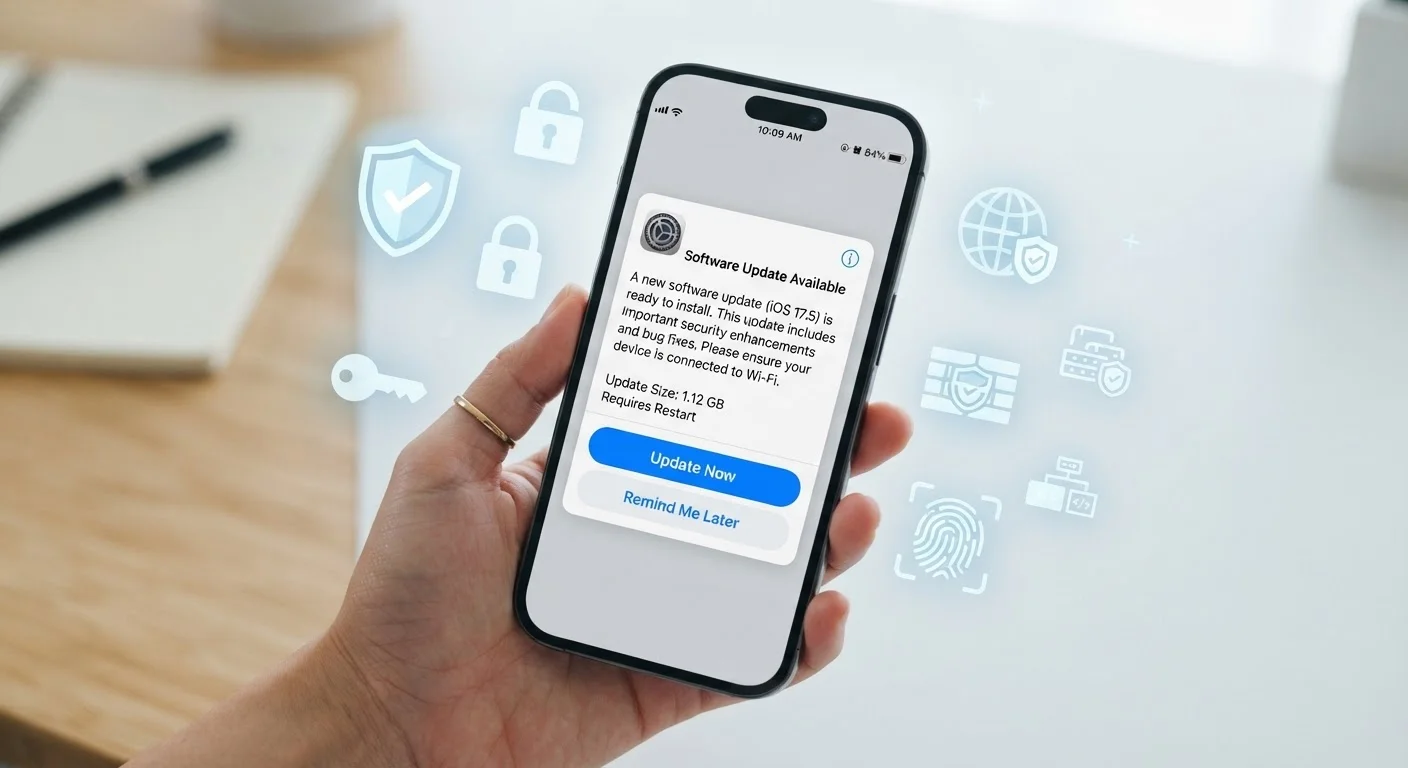
Photo: ShortwebArticles.com | Content For The Curious editorial
Key Takeaways
- Most software updates include security patches that close known vulnerabilities attackers actively target.
- Delaying updates leaves your device exposed for every day the fix goes uninstalled.
- Automatic updates are the simplest way to stay protected without relying on memory.
- Updates apply to apps and browsers, not just your device's main operating system.
- Older devices that no longer receive updates carry inherent, ongoing security risk.
What's Actually Inside a Software Update
When an update notification appears on your phone or laptop, it's easy to dismiss it as another minor tweak. In reality, most updates bundle several types of changes at once: new or improved features, performance improvements, bug fixes — and critically, security patches.
Security patches are corrections to specific flaws, called vulnerabilities, that developers discovered after the software shipped. Once a vulnerability is found — whether by the developer's own researchers or, more urgently, by outside security experts — attackers are often quick to start exploiting it. The patch closes that opening before more harm can spread.
60%+
Breaches linked to unpatched vulnerabilities
Security industry analyses consistently find that a majority of successful cyberattacks exploit vulnerabilities for which a patch was already available at the time of the incident.
Days
Time attackers take to weaponize a disclosed vulnerability
Research from multiple cybersecurity firms has found that exploit code targeting newly disclosed vulnerabilities can appear within days of a patch's public release.
Billions
Connected devices in US homes requiring updates
Estimates from industry analysts place the number of connected consumer devices in US households in the billions, each representing a potential update gap if left unmanaged.
Think of your device's software as a building. Every vulnerability is an unlocked door. An update is a locksmith visit that deadbolts those doors. Skipping the visit doesn't make the doors disappear — it just leaves them open.
Why Timing Matters More Than You Might Think
The moment a software company releases a security patch, the vulnerability it fixes becomes public knowledge. Security researchers post details, and unfortunately, so do cybercriminals who use that information to build attack tools targeting devices that haven't yet installed the fix.
This means the window between a patch's release and its installation on your device is the period of highest risk. Devices that sit on outdated software for days, weeks, or months are running with known, documented weaknesses that attackers actively seek out.
Turn On Automatic Updates Today
This is why security professionals consistently name prompt patching as one of the highest-impact protective habits a person can have — not because attacks are inevitable, but because delaying updates makes you a far easier target than someone whose device is current.
For a broader look at keeping your devices in good shape over time, see our guide to keeping your devices running well for years.
It's Not Just Your Phone — Every Connected Device Counts
Operating system updates on your smartphone and laptop get most of the attention, but the same principle applies across every device on your network: smart TVs, routers, tablets, streaming sticks, and even smart home gadgets. Each runs software, each can have vulnerabilities, and each needs to be kept current.
Apps deserve equal attention. Browsers, email clients, and banking apps are especially high-value targets for attackers and receive their own security patches independent of your operating system. An up-to-date phone running an outdated browser is still exposed.
Your home network is another layer worth considering. Keeping your home network secure starts with making sure your router's firmware is current — a step many households overlook entirely.
Making Updates a Habit, Not a Chore
The single most effective change most people can make is turning on automatic updates wherever the option exists. On iPhones, Android phones, Windows PCs, and Macs, automatic update settings are straightforward to find in the device's settings menu. Once enabled, your device downloads and installs security patches in the background — typically overnight — without requiring action from you.
For apps, enabling auto-updates through your phone's app store achieves the same result. The occasional reboot prompt is a small inconvenience compared to the protection gained.
If you prefer manual control, build a simple habit: check for updates once a week. The same way you'd lock your doors before bed, a quick weekly update check is a low-effort routine with meaningful payoff. Pairing this with other habits that keep your accounts secure over the long haul creates a genuinely solid personal security posture.
Large OS Upgrades vs. Security Patches
For households with children, keeping devices updated is part of a larger picture. Keeping kids safe online depends partly on the devices they use being as secure as possible — patched software is a foundation everything else builds on.
Frequently Asked Questions
The content on this site is for informational purposes only and is not a substitute for professional advice. Always consult a qualified professional for guidance specific to your situation.