
Keeping Your Home Network Secure: What Matters and What Doesn't

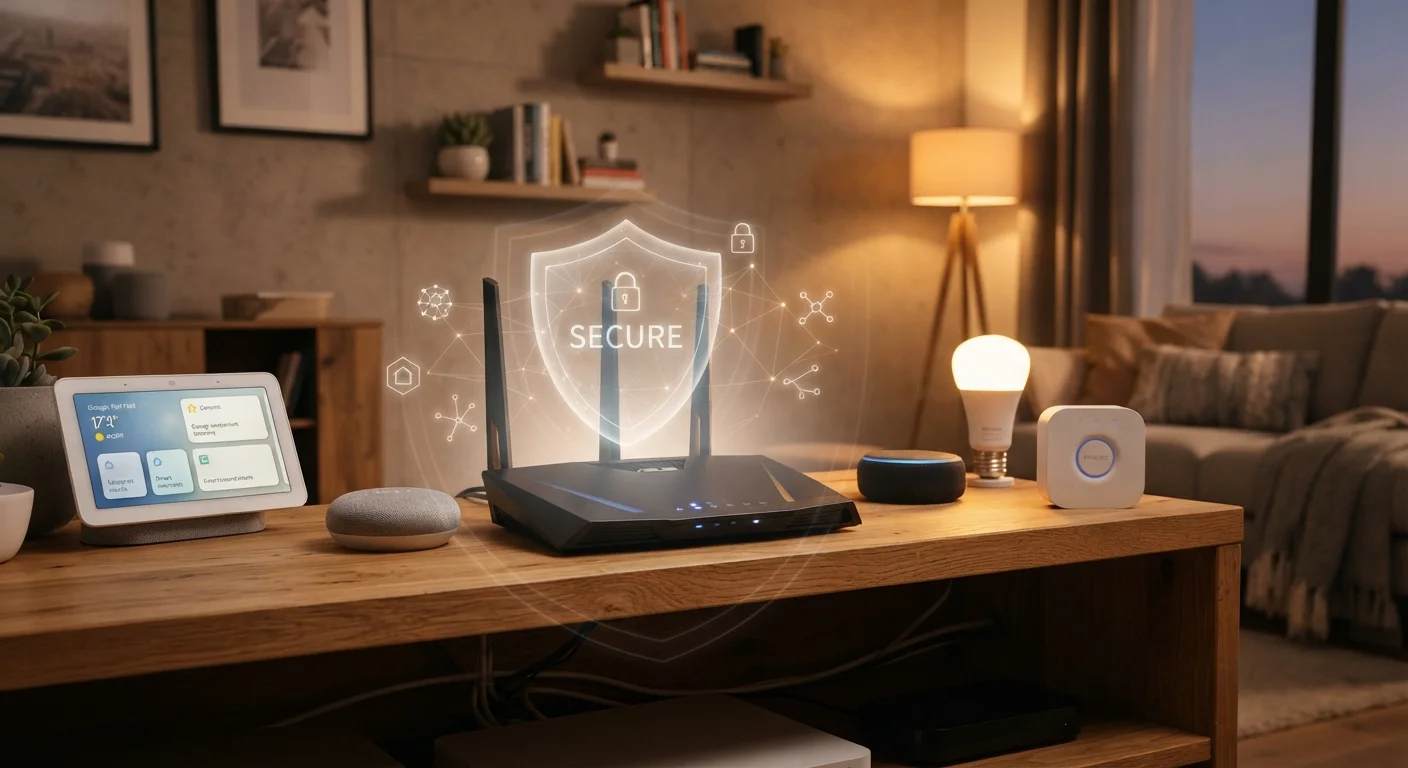
Photo: ShortwebArticles.com | Content For The Curious editorial
Key Takeaways
- Changing your router's default admin credentials is one of the highest-impact security steps you can take.
- Keeping your router firmware updated closes known vulnerabilities that attackers actively exploit.
- A guest network isolates smart home devices and visitors from your main devices.
- Strong Wi-Fi encryption (WPA3 or WPA2) is essential; WEP offers almost no real protection.
- Many popular network security myths — like hiding your SSID — provide little actual protection.
Why Home Network Security Is Worth Your Attention
Your home network is the shared backbone for every device you own — laptops, phones, smart TVs, thermostats, and more. A compromised network can expose personal data, allow unauthorized access to connected devices, and create an entry point for broader attacks. The good news: meaningful protection doesn't require technical expertise. A handful of deliberate habits covers most of the real risk.
For a broader look at what shapes your overall home internet experience, see this end-to-end guide.
Replace your router's default admin username and password immediately.
Update your router's firmware on a regular schedule.
Use WPA3 or WPA2 encryption — never WEP.
Set up a separate guest network for visitors and IoT devices.
Use a strong, unique password for your Wi-Fi network itself.
What Actually Works: Evidence-Based Practices
Security guidance can feel overwhelming, but most credible recommendations come back to a short list of high-leverage actions. The practices below address the most common real-world vulnerabilities — not theoretical edge cases.
Smart home devices introduce additional considerations. If you rely on connected appliances or voice assistants, read about the realistic trade-offs before assuming your network is isolated from device-level risks.
What Doesn't Help (As Much As You've Heard)
Some popular advice sounds logical but delivers minimal actual security improvement. Understanding which steps to skip — or at least deprioritize — helps you focus your effort where it counts.
A Note on 'Security Theater'
MAC address filtering is frequently cited as a layer of protection, but determined attackers can spoof a whitelisted MAC address with basic tools. The administrative overhead isn't worth the marginal benefit for most households.
Hiding your SSID (making your network name invisible) is similarly overrated. Your network still broadcasts its presence; it just doesn't announce its name. Specialized software reveals hidden networks immediately, so this creates friction for you without meaningfully inconveniencing attackers.
These steps aren't harmful, but if you have limited time, prioritize the practices above. For related guidance on locking down your Wi-Fi more specifically, see this practical Wi-Fi security guide.
85%
Routers still using default credentials
Security researchers have consistently found that a large share of home routers are never reconfigured from factory defaults, leaving them exposed to well-documented attack vectors.
< 5 min
Time to crack a WEP-encrypted network
Cybersecurity professionals and researchers have demonstrated that WEP encryption can be defeated in under five minutes using freely available software and basic hardware.
Building Security Into Ongoing Habits
Network security isn't a one-time setup — it's an ongoing practice. Firmware vulnerabilities are discovered continuously, new devices join your network over time, and old passwords get reused elsewhere. Treating security as a periodic maintenance task rather than a finished project is the mindset that keeps protection durable.
For account-level security that complements your network habits, see these long-haul account security habits. And if you want to understand why software and firmware updates matter beyond your router, this explainer on software updates covers the full picture.
“Security is always excessive until it's not enough.”
— Robbie Sinclair, Head of Security, Country Energy (widely attributed in security literature)
Finally, if children use devices on your network, layered protection extends beyond the router itself. A grounded look at online safety for kids can help you understand what supervision actually requires in today's environment.
The content on this site is for informational purposes only and is not a substitute for professional advice. Always consult a qualified professional for guidance specific to your situation.