
Cloud Storage vs. Local Storage: Where Should Your Files Actually Live?

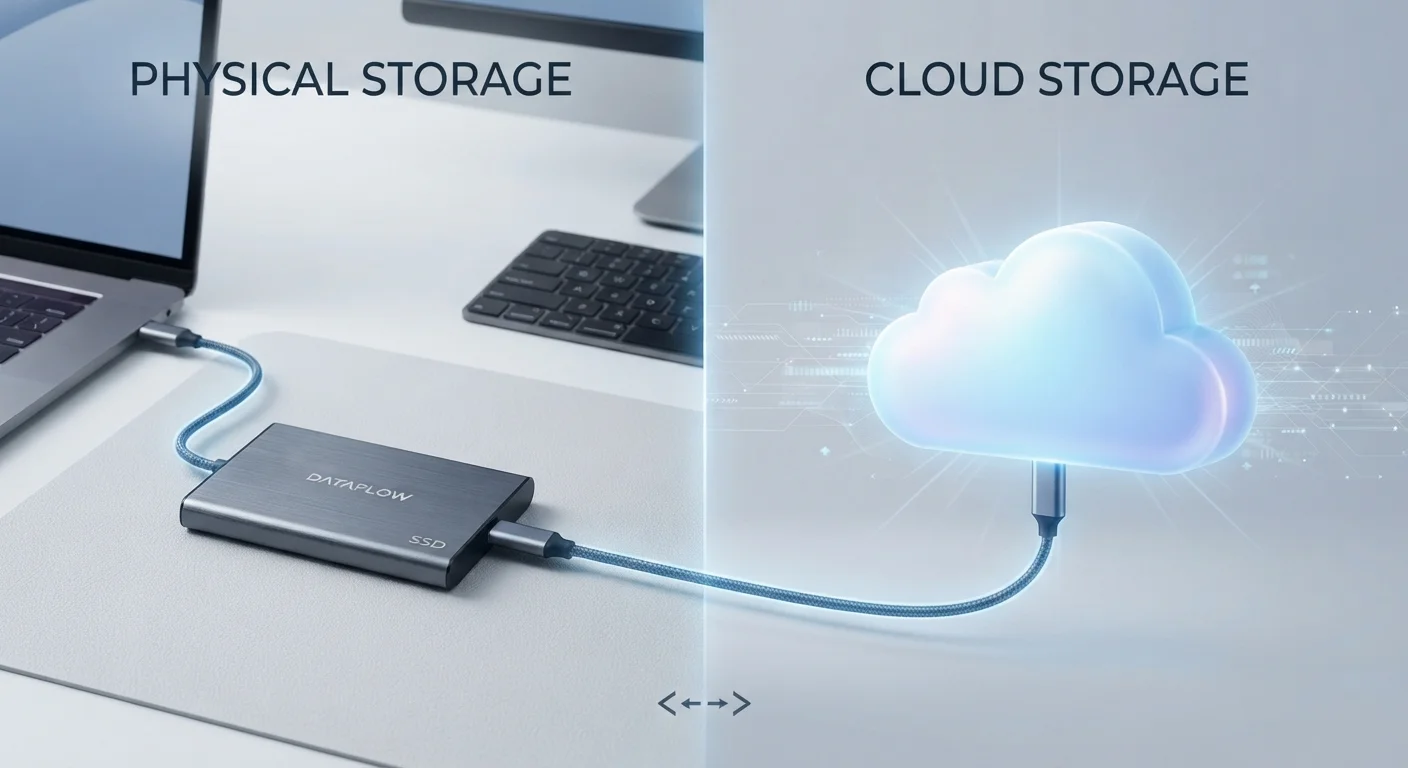
Photo: ShortwebArticles.com | Content For The Curious editorial
Key Takeaways
- Cloud storage offers access from any device but depends entirely on a stable internet connection.
- Local storage keeps data under your direct physical control, with no ongoing subscription costs.
- Both approaches carry distinct failure risks: cloud services can be hacked or discontinued; drives can fail mechanically.
- A hybrid approach — storing files in both locations — is widely considered the most resilient strategy.
- Privacy considerations differ significantly: cloud providers may analyze or share data under their terms of service.
What Cloud and Local Storage Actually Mean
When you save a photo to Google Drive or iCloud, that file travels over the internet and lands on a server in a data center — often hundreds of miles away. That's cloud storage. When you save the same photo to your laptop's hard drive or a USB stick plugged into your desk, it stays physically present with you. That's local storage.
Both methods accomplish the same basic goal — preserving data — but the underlying architecture leads to very different trade-offs around access, privacy, cost, and risk. Understanding those differences is more useful than simply picking one and hoping for the best. See our guide to digital vs. physical organization for broader context on where digital clutter tends to accumulate.
| Criterion | Cloud Storage | Local Storage |
|---|---|---|
| Access without internet | Not possible | Always available |
| Multi-device access | Seamless across devices | Requires physical drive or setup |
| Privacy control | Managed by provider | Fully user-controlled |
| Ongoing cost | Monthly/annual subscription | One-time hardware cost |
| Automatic backup | Yes, typically included | Manual or requires setup |
| Risk of data loss | Account breach, service shutdown | Drive failure, theft, physical damage |
| Storage capacity limits | Scales with subscription tier | Fixed to hardware purchased |
The Real Risks on Each Side
Neither approach is fail-safe, and each has a distinct failure profile worth knowing.
Cloud storage risks include service outages, account hacks, provider shutdowns, and changes to terms of service. If a cloud provider is acquired or discontinues a service, your files could become inaccessible with limited notice. Providers can also be compelled by legal processes to hand over data stored on their servers. For a deeper look at how personal data shared online can be exploited, the oversharing problem explained is worth reading alongside this comparison.
Local storage risks are more physical: hard drives — especially traditional spinning-disk drives — can fail mechanically, often without warning. Devices can be stolen, damaged by water or fire, or simply lost. Unlike cloud storage, local data typically isn't automatically backed up, so one hardware failure can mean permanent loss.
What Happens When a Cloud Service Shuts Down
The practical takeaway: no single storage method is inherently safer. Each guards against different threats while remaining vulnerable to others.
Privacy, Cost, and Access Compared
Privacy: Local storage puts you firmly in control. Cloud providers, by contrast, have visibility into what you store and may process metadata — or more — depending on their terms of service. If privacy is a primary concern, on-site storage limits third-party exposure significantly.
Cost: Cloud services typically charge monthly or annual subscription fees that scale with storage capacity. Local storage involves an upfront hardware cost with no recurring fee, though drives should be replaced periodically to guard against age-related failure. Over several years, local storage is often less expensive in dollar terms alone.
Access and convenience: Cloud storage wins for multi-device flexibility. Sync happens automatically, and sharing a file with someone across the country takes seconds. Local storage requires you to physically have the device — or set up your own remote-access solution, which adds complexity.
3-2-1
Backup rule followed by data professionals
Three copies, two media types, one off-site — a widely cited standard for resilient data protection.
~3–5 years
Typical lifespan of a consumer hard drive
Drive manufacturers and storage specialists generally suggest proactive replacement within this window to reduce failure risk.
For most households, neither approach alone solves every problem. A closer look at what lives where and why can help you map specific file types to the approach that fits them best.
Building a Resilient Storage Strategy
Data professionals commonly follow a 3-2-1 backup rule: keep three copies of important data, on two different media types, with one copy stored off-site. In practical terms for everyday users, this often means storing active files locally, syncing a copy to the cloud, and keeping a periodic backup on an external drive stored somewhere separate from your main device.
Applying this logic doesn't require expensive equipment or technical expertise. It does require a bit of intention. Start by categorizing your files: documents you access daily, irreplaceable items like family photos, and archival material you rarely touch. Each category may warrant a different storage approach or priority level.
The goal isn't to pick a winner between cloud and local storage — it's to avoid having a single point of failure. Redundancy, not perfection, is what keeps your data recoverable when something goes wrong.
The content on this site is for informational purposes only and is not a substitute for professional advice. Always consult a qualified professional for guidance specific to your situation.