
Cloud Storage vs. Local Storage: What Lives Where and Why

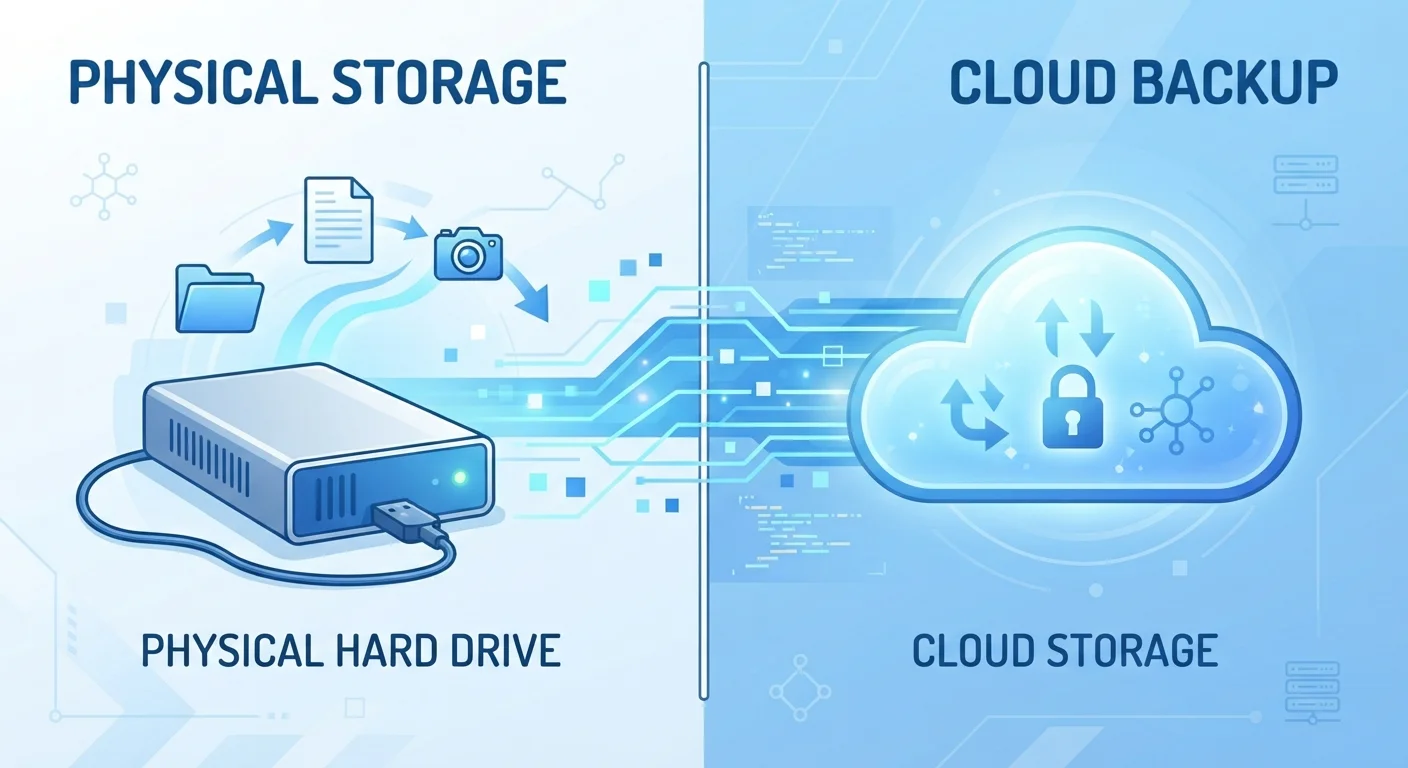
Photo: ShortwebArticles.com | Content For The Curious editorial
Key Takeaways
- Local storage keeps files on your device — no internet required, but loss or damage means losing data.
- Cloud storage syncs files to remote servers — accessible anywhere, but depends on internet and a subscription.
- Privacy considerations differ: local files stay under your control, while cloud files live on a provider's servers.
- A hybrid approach — keeping active files in the cloud and archives locally — suits most everyday users.
- Neither option is foolproof; redundancy across both methods is the most reliable safety net.
What Local Storage Actually Means
Local storage refers to any physical media attached to or built into your device — the solid-state drive (SSD) inside your laptop, a USB thumb drive, an external hard drive, or an SD card in your camera. Files stored locally stay on that hardware. You can open them whether or not you're connected to the internet.
The upside is speed, privacy, and control. Nothing leaves your device unless you send it somewhere deliberately. The downside is physical vulnerability: a lost laptop, a failing drive, or a house fire can erase everything stored there permanently. Storage capacity is also fixed — once a drive is full, you need new hardware.
Local storage costs are typically one-time purchases rather than ongoing subscriptions, which appeals to users who dislike recurring fees. However, large-capacity drives can be expensive upfront, and older drives degrade over time. Hard disk drives (HDDs) in particular have moving parts that wear out — usually within three to five years of heavy use.
What Cloud Storage Actually Means
Cloud storage means your files are uploaded to servers operated by a company and accessed through the internet. When you save a photo to a cloud service, a copy travels over your network connection to data centers — often spread across multiple geographic locations — and stays retrievable as long as your account is active.
The key advantage is accessibility: log in from any device, anywhere, and your files are there. Sharing is also frictionless — send a link rather than an attachment. Cloud providers generally replicate your data across multiple servers, so a single hardware failure on their end won't wipe your files.
The trade-offs are real, though. Cloud storage requires an active internet connection to access your files at full speed. Most services offer a small amount of free storage and charge monthly or annual fees beyond that. And because your data lives on someone else's infrastructure, it's subject to that provider's privacy policies, terms of service, and potential security incidents. For sensitive documents, that's worth thinking through carefully. See our guide on privacy and reliability trade-offs in cloud vs. local storage for a deeper look at those factors.
| Local Storage | Cloud Storage | |
|---|---|---|
| Internet required | No | Yes (for access and sync) |
| Upfront cost | One-time hardware purchase | Usually low or free to start |
| Ongoing cost | None after purchase | Subscription for higher capacity |
| Access across devices | Manual transfer required | Automatic and seamless |
| Privacy control | Full — stays on your hardware | Shared with provider's infrastructure |
| Risk of total data loss | High if device fails or is lost | Low — data replicated across servers |
| Storage scalability | Fixed — buy more hardware to expand | Flexible — upgrade plan as needed |
Matching Storage Type to File Type
Not every file deserves the same treatment. A practical way to think about this: ask how often you need the file, whether you need it on multiple devices, and how painful it would be to lose it forever.
Apply the 3-2-1 Rule to What Matters Most
- Active work files and documents — Cloud storage shines here. Edit a spreadsheet on your laptop at home, then pull it up on your phone during your commute.
- Large video or photo libraries — These can balloon to hundreds of gigabytes quickly. Local storage (an external drive) is often more cost-effective for bulk archives.
- Financial records and tax documents — Store locally and in an encrypted cloud backup. Losing these is costly; having them only in one place is risky.
- Irreplaceable personal photos — Apply the 3-2-1 rule: three copies, on two different media types, with one stored off-site (cloud qualifies as off-site).
Understanding where digital clutter accumulates is its own discipline. Our companion piece on digital vs. physical organization priorities explores how to decide where to focus your effort.
The Hybrid Approach Most Users Actually Need
For most everyday users, the choice isn't cloud or local — it's deciding what lives where. A sensible division of labor looks like this: use cloud storage for files you're actively working with or sharing, and use local storage (an external drive kept in a safe place) as a durable backup for anything you can't replace.
Your internet connection plays a role in how well cloud storage works for you. A slow or unreliable connection makes syncing large files frustrating. Understanding when Wi-Fi versus mobile data is the right choice can help you get the most reliable sync experience.
3-2-1
The standard data backup rule
The 3-2-1 backup strategy — three copies, two media types, one off-site — is widely recommended by data recovery professionals and IT organizations as a baseline for protecting important files.
~140 TB
Average data created per person annually (global estimate)
Research from data analytics firms suggests individuals and households generate and interact with far more data each year than most people realize, making intentional storage decisions increasingly important.
The goal is redundancy, not perfection. No single storage method is immune to failure — drives break, cloud accounts get compromised, subscriptions lapse. Spreading your data across two independent locations dramatically reduces the risk of catastrophic loss.
The content on this site is for informational purposes only and is not a substitute for professional advice. Always consult a qualified professional for guidance specific to your situation.