
Two-Factor Authentication Explained: Why a Password Alone Isn't Enough

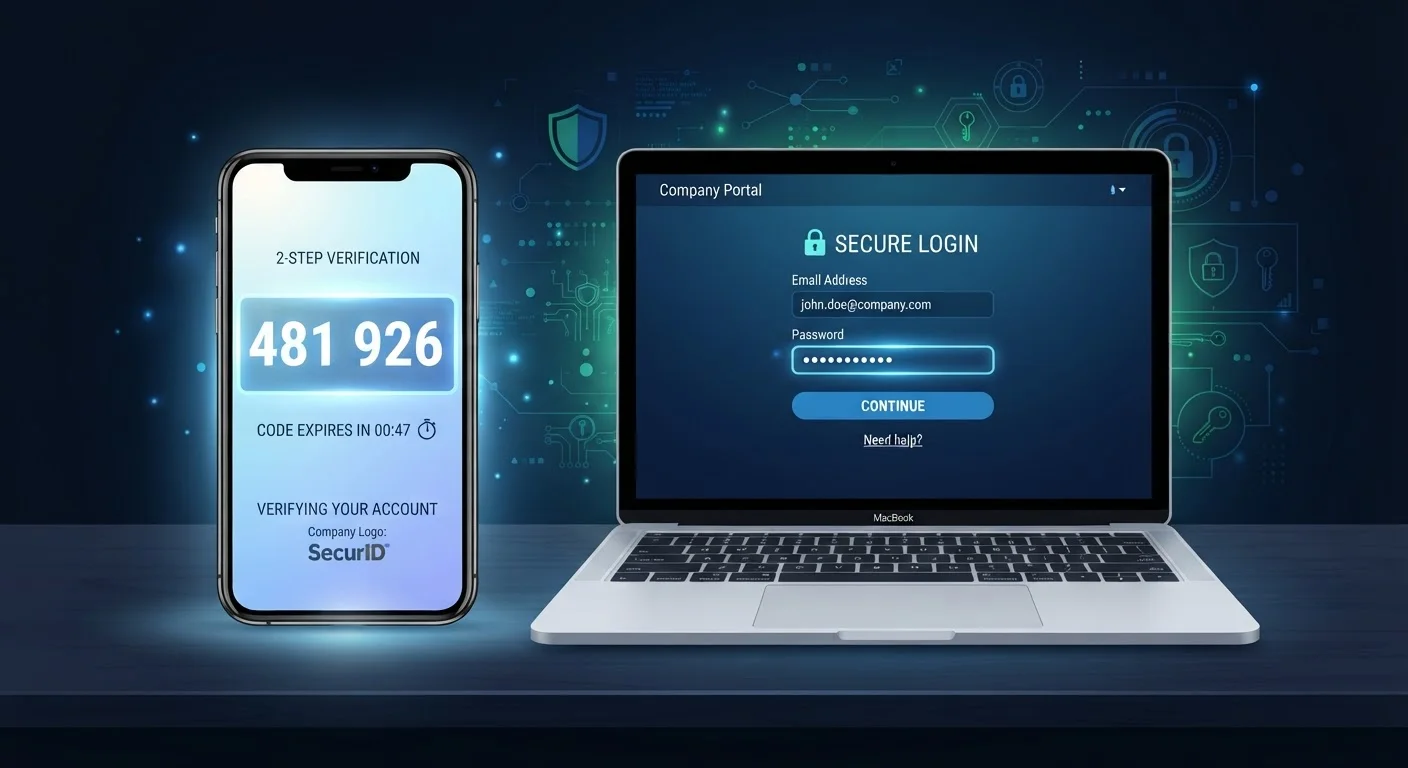
Photo: ShortwebArticles.com | Content For The Curious editorial
Key Takeaways
- A password alone can be compromised through data breaches, phishing, or reuse across sites.
- Two-factor authentication adds a second verification step that dramatically raises the barrier for attackers.
- Authenticator apps generally offer stronger protection than SMS text-message codes.
- Most major platforms — email, banking, social media — support 2FA and can be enabled in account settings.
- Enabling 2FA takes minutes and is one of the highest-impact security steps an everyday user can take.
Why Your Password Isn't Enough on Its Own
Passwords have one fundamental weakness: they are a single point of failure. If someone obtains your password — through a data breach, a phishing email, or simply because you reused it across multiple sites — there is nothing standing between them and your account.
Data breaches expose billions of credentials every year. Credential-stuffing attacks, where automated tools try stolen username-and-password combinations across dozens of sites, succeed precisely because so many people reuse passwords. Even a genuinely strong password stored on a breached server offers no protection once it appears in a criminal database.
This is the problem two-factor authentication is designed to solve. See also: common misconceptions about identity theft that may give you false confidence about how accounts get compromised.
80%+
Of hacking-related breaches involve stolen credentials
Verizon's Data Breach Investigations Report has consistently found that the large majority of hacking incidents exploit weak or compromised passwords.
99.9%
Of automated account attacks blocked by MFA
Microsoft's security research has reported that enabling multi-factor authentication blocks the vast majority of automated credential-stuffing and password-spray attacks.
15 billion
Stolen credentials circulating online
Cybersecurity researchers have estimated that billions of username-password pairs are actively traded on criminal forums, many from old breaches users may not know about.
How Two-Factor Authentication Actually Works
Authentication systems classify verification into three categories: something you know (a password or PIN), something you have (a phone or hardware key), and something you are (a fingerprint or face scan). Two-factor authentication requires at least two of these categories — not just two items from the same category.
In practice, most 2FA setups combine your password with a time-sensitive numeric code. When you log in, after entering your password, the service asks for a short code that expires within 30–60 seconds. That code arrives via one of three methods:
- SMS text message: A code is texted to your registered phone number. It's convenient, but vulnerable to SIM-swapping — where an attacker tricks a carrier into transferring your number to their device.
- Authenticator app: Apps generate codes locally on your phone using a shared cryptographic secret. These codes never travel over a network, making them far more resistant to interception.
- Hardware security key: A physical USB or NFC device you tap or insert. Considered the most phishing-resistant option available to consumers.
For most people, switching from SMS to an authenticator app is a meaningful security upgrade that takes less than ten minutes per account.
Start With Your Email Account
Where and How to Turn It On
Two-factor authentication is available on virtually every major platform — email providers, banks, social networks, streaming services, and cloud storage. The setting is almost always found under Account Security or Privacy & Security in your account settings.
Here's the general process:
- Go to the security settings of the account you want to protect.
- Look for "Two-Factor Authentication," "Two-Step Verification," or "Login Verification."
- Choose your preferred second factor — an authenticator app is recommended over SMS where available.
- Follow the on-screen steps, which typically involve scanning a QR code with the authenticator app.
- Save your backup codes in a secure location before finishing setup.
Pairing 2FA with strong, unique passwords for each account gives you layered protection. If you're not already using one, a password manager can simplify keeping track of unique credentials across dozens of accounts.
Making 2FA Part of an Ongoing Security Routine
Enabling 2FA is not a one-time fix — it's a foundation. Recovery options should be reviewed periodically, especially after changing phone numbers or devices. If you receive a 2FA prompt you didn't initiate, treat it as a warning that someone has your password and change it immediately.
For households with multiple users or devices, it's worth extending 2FA to your network perimeter as well. Our guide on keeping your home network secure covers additional habits that complement account-level protections. And for a broader look at staying ahead of threats over time, long-term account security habits outlines the ongoing practices security professionals recommend.
The few minutes it takes to set up 2FA on your most important accounts is one of the highest-return security investments available to everyday users — no technical expertise required.
SMS 2FA Is Better Than No 2FA
Frequently Asked Questions
The content on this site is for informational purposes only and is not a substitute for professional advice. Always consult a qualified professional for guidance specific to your situation.