
What Password Managers Actually Do — and What They Don't

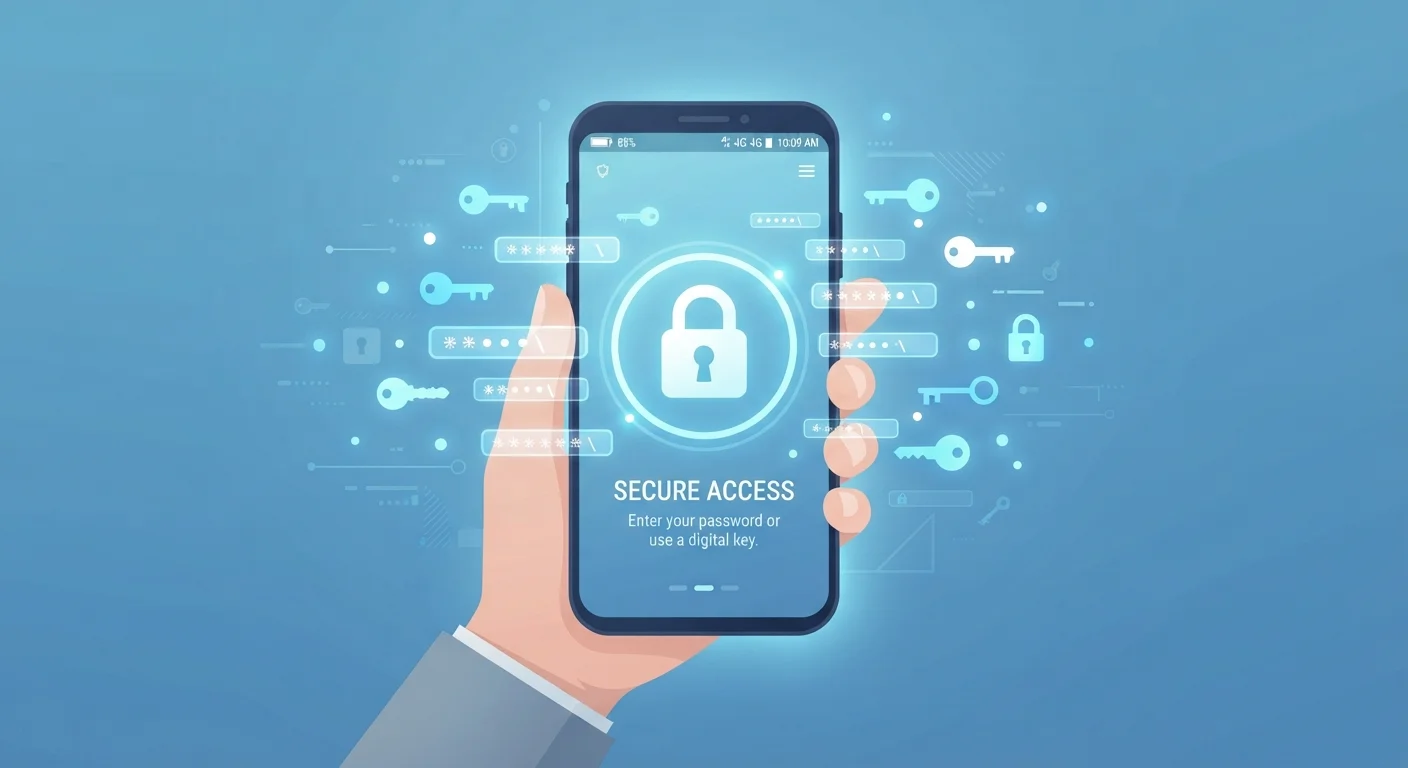
Photo: ShortwebArticles.com | Content For The Curious editorial
Key Takeaways
- Password managers generate and store unique, complex passwords so you don't have to remember them.
- They reduce the risk of credential reuse — one of the most common causes of account takeovers.
- A password manager is a single point of failure: losing your master password or suffering a breach matters.
- They don't protect against phishing if you manually override autofill warnings.
- Using a password manager alongside two-factor authentication offers stronger protection than either alone.
Eliminates the need to memorize dozens of passwords
Users only need to remember one strong master password, reducing cognitive load while actually improving security across every account.
Generates long, random, unique passwords automatically
Machine-generated passwords are virtually impossible to crack through brute force and contain no personally identifiable patterns that attackers could guess.
Flags reused and compromised credentials proactively
Most managers check saved passwords against breach databases and surface duplicates, giving users an ongoing view of their exposure without manual checking.
Autofill reduces typos and speeds up logins
Autofill is faster and more accurate than manual entry, and it typically won't activate on sites with mismatched domains — providing a passive phishing signal.
Works across devices and browsers seamlessly
Cloud-synced vaults keep credentials consistent whether you're on your phone, laptop, or a work computer, without emailing yourself passwords.
Single point of failure if master password is lost
Forgetting or losing the master password can permanently lock you out of every stored account, making recovery planning essential from day one.
The password manager itself can be a breach target
Because vaults hold credentials for every account, they are high-value targets for attackers, even though encryption makes a successful breach much harder to exploit.
Does not protect against deliberate manual overrides
If a user ignores autofill warnings and manually enters credentials into a phishing site, the manager provides no protection against that decision.
Upfront setup time is a real barrier
Migrating dozens of existing accounts into a vault, changing old weak passwords, and learning the interface takes time — enough that many users abandon the process halfway through.
Subscription costs for premium features
Free tiers exist but often limit device syncing or advanced features; full-featured plans carry a recurring annual cost that some users may not find worthwhile.
What a Password Manager Actually Does
A password manager is software that stores your login credentials in an encrypted vault. When you visit a site, it can autofill your username and password. More usefully, it can generate a random, high-complexity password for each new account — the kind no human would ever choose or remember.
The core problem it solves is credential reuse. Most people use a small rotation of familiar passwords across dozens of accounts. When one of those sites is breached and credentials leak, attackers run those same combinations against banking, email, and social media — a technique called credential stuffing. Unique passwords per site shut that attack vector down completely.
Beyond storage and generation, most managers also flag when a saved password appears in known data breaches, when you have obvious duplicates, or when a password is dangerously weak. That kind of passive audit is something most people never do manually. See how this fits into a broader security routine in our guide to ongoing account security habits.
Eliminates the need to memorize dozens of passwords
Users only need to remember one strong master password, reducing cognitive load while actually improving security across every account.
Generates long, random, unique passwords automatically
Machine-generated passwords are virtually impossible to crack through brute force and contain no personally identifiable patterns that attackers could guess.
Flags reused and compromised credentials proactively
Most managers check saved passwords against breach databases and surface duplicates, giving users an ongoing view of their exposure without manual checking.
Autofill reduces typos and speeds up logins
Autofill is faster and more accurate than manual entry, and it typically won't activate on sites with mismatched domains — providing a passive phishing signal.
Works across devices and browsers seamlessly
Cloud-synced vaults keep credentials consistent whether you're on your phone, laptop, or a work computer, without emailing yourself passwords.
Real Limitations Worth Understanding
The most significant structural drawback is that a password manager creates a single point of failure. Every credential you own lives behind one master password. If that master password is weak, guessed, or you forget it entirely, the consequences are severe — access is lost or compromised across every saved account at once.
Password managers also don't make you immune to phishing. Autofill typically won't trigger on a fake site with a slightly different domain, which is a useful signal — but if you manually type credentials into a spoofed page, the manager can't stop you. Understanding threats like these is covered in our article on identity theft misconceptions.
There's also the question of what happens if the password manager company itself is breached. Reputable services encrypt your vault locally before it ever reaches their servers, meaning even a server-side breach should expose only encrypted data. However, "should" depends on correct implementation — and no system is perfectly immune to sophisticated attacks.
Single point of failure if master password is lost
Forgetting or losing the master password can permanently lock you out of every stored account, making recovery planning essential from day one.
The password manager itself can be a breach target
Because vaults hold credentials for every account, they are high-value targets for attackers, even though encryption makes a successful breach much harder to exploit.
Does not protect against deliberate manual overrides
If a user ignores autofill warnings and manually enters credentials into a phishing site, the manager provides no protection against that decision.
Upfront setup time is a real barrier
Migrating dozens of existing accounts into a vault, changing old weak passwords, and learning the interface takes time — enough that many users abandon the process halfway through.
Subscription costs for premium features
Free tiers exist but often limit device syncing or advanced features; full-featured plans carry a recurring annual cost that some users may not find worthwhile.
How to Get the Most Out of One
The single most impactful thing you can do is enable two-factor authentication (2FA) on the password manager account itself. This way, even if someone learns your master password, they still can't open your vault without the second factor. Learn more about how that works in our explainer on two-factor authentication.
Choose a strong, memorable master password — a passphrase of four or five unrelated words is more secure than a short string of special characters and easier to recall. Write it down and store it somewhere physically secure, not in another digital note.
Don't rush to import everything at once. Start with your highest-stakes accounts — email, banking, and any account tied to payment methods. Migrate others gradually. A password manager is also no substitute for securing the network those devices connect to; our guide to home network security covers that layer separately.
Password Managers and Browser-Built-Ins Are Different
81%
Data breaches involving weak or stolen passwords
According to Verizon's Data Breach Investigations Report, the overwhelming majority of hacking-related breaches involve compromised credentials.
~100
Average number of passwords per person
NordPass research has estimated the typical internet user has around 100 password-protected accounts, making manual unique-password management impractical.
The content on this site is for informational purposes only and is not a substitute for professional advice. Always consult a qualified professional for guidance specific to your situation.