
Running an Internet Speed Test That Actually Means Something

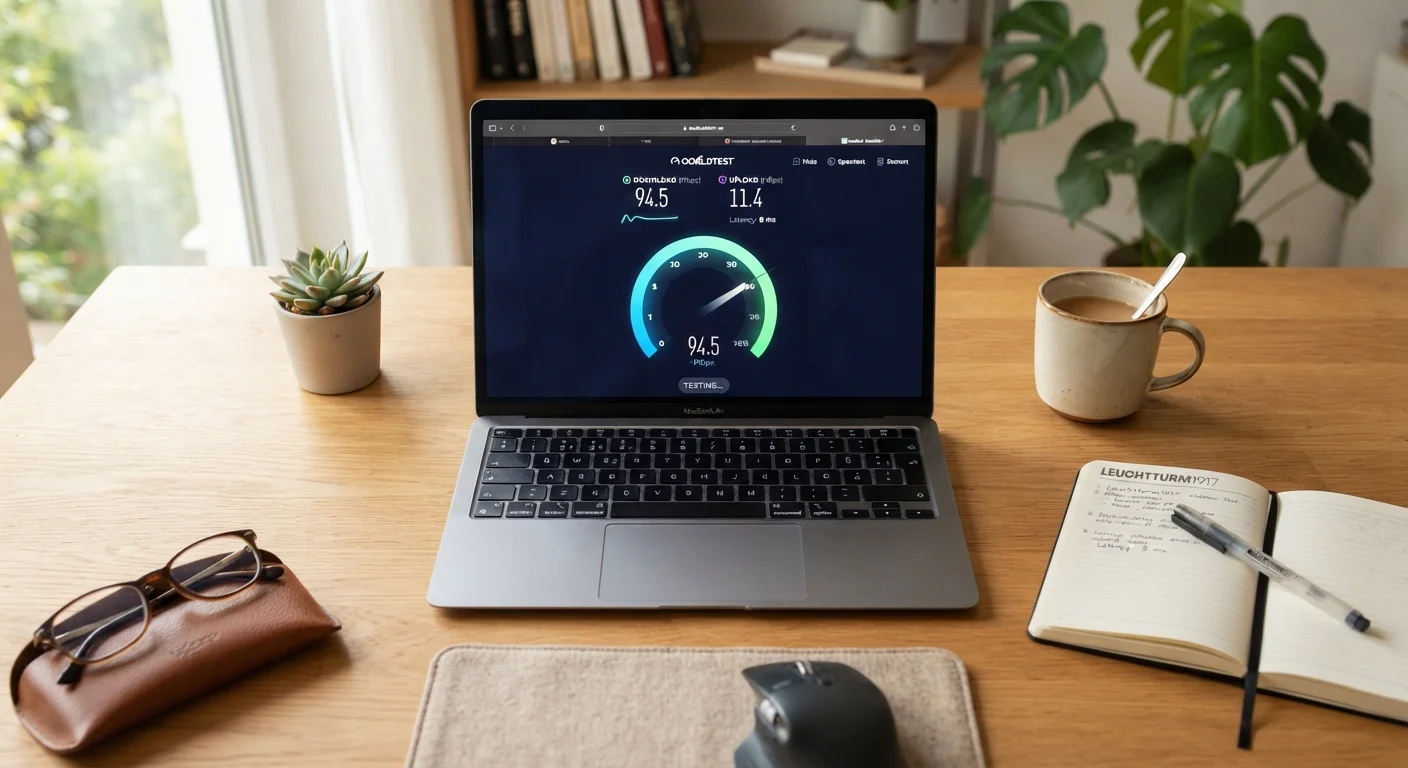
Photo: ShortwebArticles.com | Content For The Curious editorial
Key Takeaways
- Where and how you run a speed test dramatically affects the results you get.
- A wired Ethernet connection gives the most accurate picture of your plan's true performance.
- Run tests at multiple times of day to spot congestion patterns, not just one-time dips.
- Download speed, upload speed, and latency each tell a different part of the story.
- A consistently low result compared to your plan gives you concrete evidence when contacting your ISP.
Why Most Speed Tests Give You the Wrong Impression
Speed tests are useful tools, but they're easy to misread. Most people open a browser, hit start, and take the number at face value — without accounting for the conditions that shaped it. A test run over a crowded Wi-Fi network at 9 p.m. while Netflix is streaming in the background tells you almost nothing useful about your actual internet service.
Understanding what a speed test actually measures — and what it doesn't — is the first step. The test measures throughput between your device and a nearby server at that specific moment. It doesn't measure your connection over time, across your whole home, or under the load of real daily use. For a deeper look at how these numbers can be misinterpreted, see common misconceptions about internet speed.
The good news is that running a genuinely informative speed test takes only a few extra minutes of preparation. The steps below walk you through exactly how to do it.
What you will need
What to Do With Your Results
Once you have a few data points from different times of day, you can start drawing conclusions. Compare your wired results against your plan's advertised speed. One low reading isn't cause for alarm — but a consistent pattern is.
Save Your Results for Evidence
If wired speeds look fine but Wi-Fi performance is poor throughout your home, the issue is likely your router placement, router age, or interference — not your internet line. That's a different problem to solve. The end-to-end guide to your home internet experience covers both scenarios.
One Test Is Never Enough
If you're consistently seeing slow speeds even over a wired connection, your results give you something concrete to bring to your ISP. Document the timestamps, the measured speeds, and the device and method used. That record turns a vague complaint into a verifiable service issue. And if you're questioning whether your plan type is the right fit for your household, how the major connection types compare may help you evaluate your options.
Wi-Fi Results Can Be Misleading
The content on this site is for informational purposes only and is not a substitute for professional advice. Always consult a qualified professional for guidance specific to your situation.