
Things People Get Wrong About Internet Speed

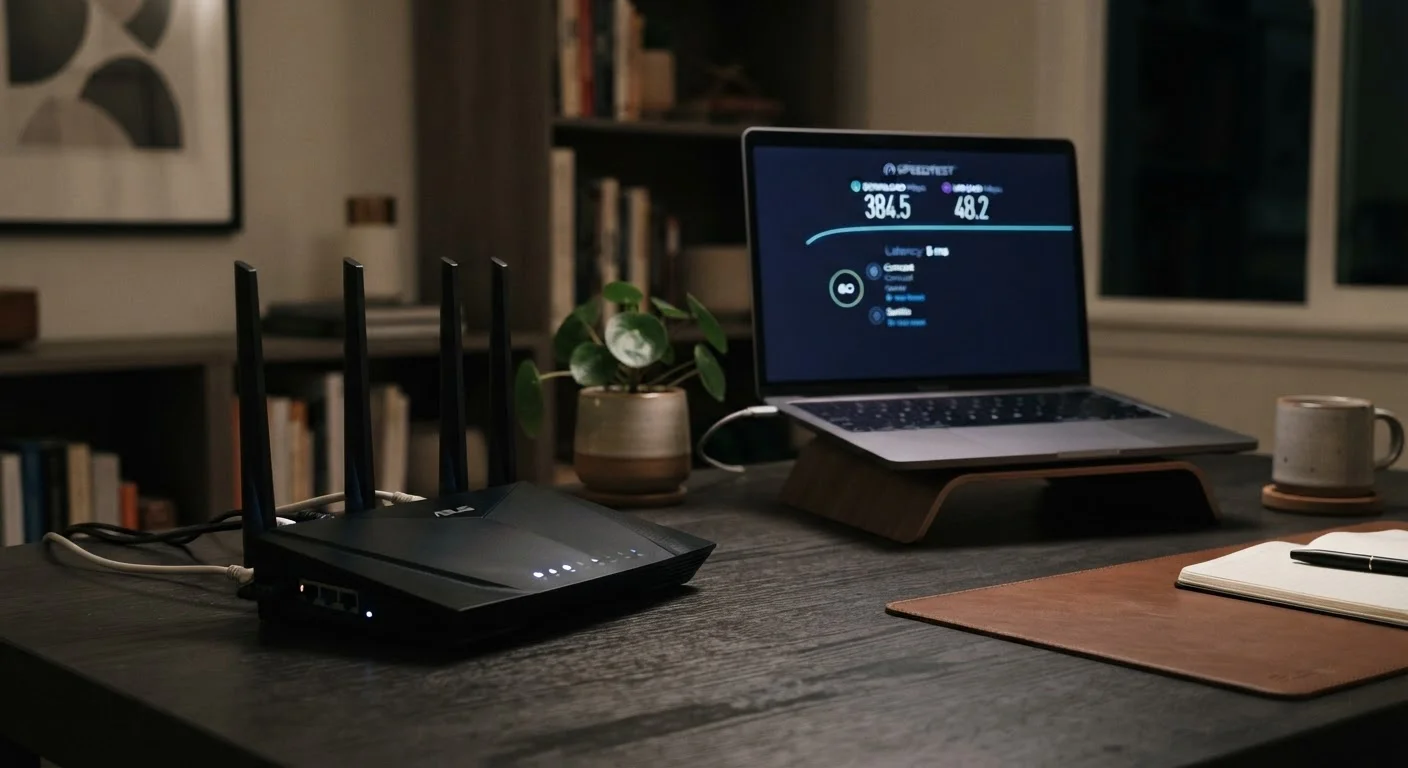
Photo: ShortwebArticles.com | Content For The Curious editorial
Key Takeaways
- Advertised Mbps figures reflect maximum potential speed, not the consistent speed you'll experience daily.
- Download speed is only one dimension — latency and upload speed matter equally for many activities.
- More devices on your network share the same bandwidth, which can slow everyone down simultaneously.
- A fast internet plan cannot compensate for an outdated router or poor Wi-Fi placement at home.
- Speed test results vary significantly based on when, where, and how you run the test.
Why Internet Speed Myths Are So Common
Internet service providers market plans almost exclusively around one number: download speed in megabits per second (Mbps). That single figure doesn't capture the full picture of how a connection performs, yet it shapes most consumers' expectations. The result is a widespread set of misconceptions that cause frustration when real-world performance doesn't match the plan on paper.
Understanding what internet speed actually measures — and what it doesn't — helps you diagnose problems, make smarter decisions about your plan, and get more out of the connection you already have. The myth-and-fact pairs below address the errors we hear most often.
Myth
The Mbps figure in my plan is the speed I'll get every day.
Fact
Advertised speeds are the theoretical maximum under ideal conditions, not the everyday average you should expect.
ISPs are generally required to describe their speeds as "up to" a certain figure for a reason. Network congestion, the distance from your home to the provider's infrastructure, and how many neighbors are using the same network segment at the same time all pull actual speeds below that ceiling. Speeds can dip noticeably during peak evening hours when many households are online simultaneously. Treat the advertised number as a ceiling, not a guarantee.
Myth
Download speed is the only number that matters.
Fact
Upload speed and latency are equally critical, depending on what you do online.
Download speed determines how fast data arrives at your device — important for streaming and browsing. But upload speed governs how quickly your device sends data out, which is essential for video calls, cloud backups, and online gaming. Latency (measured in milliseconds) reflects the delay between sending a request and receiving a response; even a high-speed connection with high latency will feel sluggish during video calls or real-time gaming. A well-rounded connection scores reasonably on all three dimensions.
Myth
My plan's speed is shared fairly among all my devices.
Fact
Your total bandwidth is a shared pool — every active device draws from the same budget simultaneously.
If your household plan delivers 100 Mbps and five devices are actively streaming, downloading, or syncing at the same time, that bandwidth is divided among them. No automatic fairness algorithm distributes it evenly; devices compete for available capacity. A 4K stream can consume 15–25 Mbps on its own. Adding smart home devices, gaming consoles, and work laptops to your network means the headline speed is spread thinner than most people realize.
[stat_highlights]Myth
Upgrading to a faster plan will fix my slow Wi-Fi.
Fact
Your router, its placement, and your home's layout often limit Wi-Fi speed far more than your plan does.
A gigabit internet plan cannot deliver gigabit Wi-Fi speeds through walls, across floors, or through a router that's several years old. Wi-Fi signal degrades with distance and interference from building materials, appliances, and neighboring networks. If a speed test run with a laptop physically connected via ethernet to the router shows strong speeds while Wi-Fi devices underperform, the bottleneck is inside your home — not at the ISP level. Upgrading your plan in that scenario adds cost without solving the underlying problem.
Myth
A speed test result is a definitive measure of my internet performance.
Fact
Speed test results fluctuate significantly based on the time of day, testing method, and test server location.
Testing over Wi-Fi rather than a wired ethernet connection, testing during peak hours, or connecting to a distant server can all produce misleadingly low results. Conversely, a single strong result doesn't mean your connection consistently performs at that level. A meaningful assessment requires multiple tests at different times, ideally over a wired connection. Running a test on a wireless laptop from across the house is measuring your Wi-Fi, not your internet connection.
What Speed Numbers Really Tell You
Once you've moved past the most common misconceptions, it's worth knowing how to evaluate your connection more accurately. A speed test run correctly — wired directly to the router, during a low-traffic period, with other devices idle — gives you a meaningful baseline. Anything less is a rough estimate.
It's also worth understanding how your connection type affects the kind of speed you can realistically expect. Different connection technologies deliver speed differently: fiber tends to offer symmetrical upload and download speeds, while cable and DSL typically skew heavily toward download. Satellite connections carry higher latency by design due to the distance signals travel.
If your speeds consistently fall short of expectations, the problem may have nothing to do with your plan. Common home network missteps — like an aging router, poor placement, or outdated firmware — can quietly degrade your experience regardless of what you're paying for. For a full picture of everything that affects your connection, see this end-to-end guide to home internet.
Don't Overlook Your Router's Age
The content on this site is for informational purposes only and is not a substitute for professional advice. Always consult a qualified professional for guidance specific to your situation.