
Cable, Fiber, DSL, and Satellite Internet: What Sets Them Apart

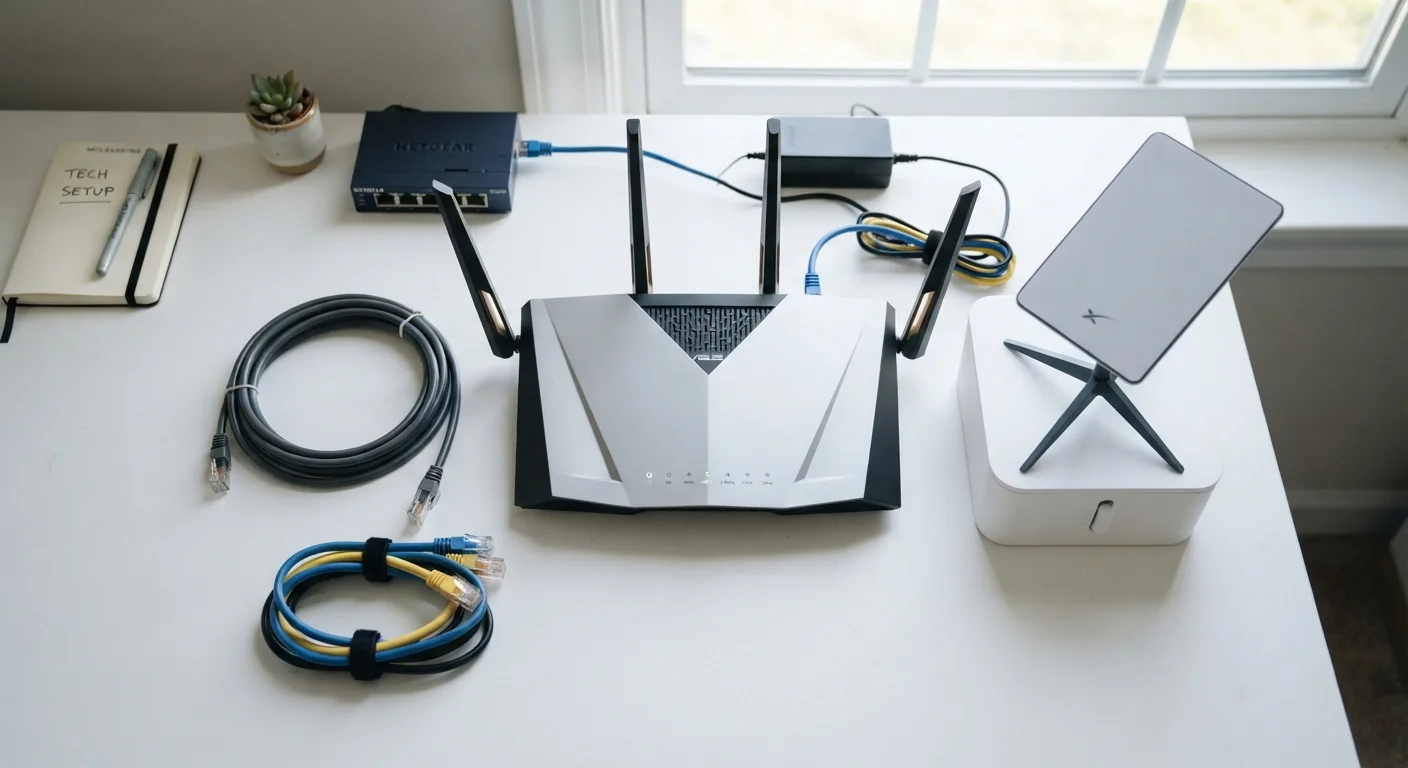
Photo: ShortwebArticles.com | Content For The Curious editorial
Key Takeaways
- Fiber internet offers the most consistent speeds and lowest latency but isn't available everywhere.
- Cable is widely available and capable of fast downloads but can slow during peak hours.
- DSL uses phone lines and is broadly accessible, though speeds are generally lower than cable or fiber.
- Satellite reaches remote areas but carries higher latency, making it less suited to real-time applications.
- Your best option depends on what's available at your address, not just what sounds fastest.
How the Four Connection Types Work
Internet service reaches your home through one of four main technologies, each moving data differently. Understanding the underlying method helps explain why two plans with identical advertised speeds can feel completely different in practice.
- Cable: Delivers internet over the same coaxial cable lines used for TV. Data travels fast but shares bandwidth with nearby subscribers, which can cause slowdowns during peak hours.
- Fiber: Uses pulses of light through glass or plastic threads. Fiber carries data at extremely high speeds with little signal degradation over distance, making it the most consistent option available today.
- DSL (Digital Subscriber Line): Runs over copper telephone lines already installed in most homes. Speed diminishes the farther you are from the provider's local equipment, so performance varies by location.
- Satellite: Sends signals between a dish at your home and an orbiting satellite. Traditional geostationary satellites sit roughly 22,000 miles up, creating notable delay; newer low-earth-orbit (LEO) systems are much closer and reduce that delay significantly.
See everything that shapes your home internet experience for a fuller look at how each factor combines to affect daily performance.
Speed, Latency, and Reliability Compared
Raw speed is only part of the story. Latency — the time it takes for a signal to make a round trip — and consistency under load matter just as much for video calls, gaming, or streaming.
| Cable | Fiber | DSL | Satellite | |
|---|---|---|---|---|
| Typical download speeds | 25–1,000 Mbps | 100 Mbps–5+ Gbps | 1–100 Mbps | 25–220 Mbps |
| Upload speeds | Often much lower than download | Symmetrical or near-symmetrical | Notably slower than download | Lower than download |
| Typical latency | 10–35 ms | 5–20 ms | 25–50 ms | 20–600 ms (varies by system) |
| Reliability | Good; may dip at peak hours | Very consistent | Varies by distance from hub | Can be affected by weather |
| Availability | Broad suburban/urban | Growing but still limited | Wide, including many rural areas | Near-universal coverage |
| Infrastructure used | Coaxial cable | Fiber-optic lines | Copper phone lines | Orbiting satellites |
Cable's shared-network design means that download speeds, while often impressive on paper, can dip noticeably when many people in your neighborhood are online simultaneously. Fiber avoids this because each subscriber has a dedicated connection pathway. DSL speeds are heavily tied to distance from the provider's local hub, called a DSLAM; households several miles away may see a fraction of the advertised maximum. Satellite latency has historically made it a poor fit for real-time applications, though LEO satellite services have narrowed that gap considerably.
If you're not sure whether your current service is living up to its promises, our guide to running a speed test that actually means something explains how to measure it correctly.
~43%
U.S. homes with access to fiber internet
According to FCC broadband deployment data, fiber availability has grown but still leaves a significant share of American households without access.
600 ms
Typical round-trip latency for geostationary satellite
Geostationary satellites orbit roughly 22,000 miles above Earth, producing latency that creates noticeable delay in voice calls and real-time applications.
Availability: Where Each Type Reaches
The most capable technology is only useful if it's offered where you live. Availability follows patterns shaped by infrastructure investment, population density, and geography.
- Cable is widely available across suburban and many urban areas, carried by the same infrastructure that historically delivered pay-TV.
- Fiber has expanded steadily but still leaves significant gaps, particularly in rural counties and lower-density communities.
- DSL reaches a broad footprint because it piggybacks on the existing telephone network, making it one of the more accessible options in areas without cable or fiber.
- Satellite has near-universal geographic coverage, making it the default option for remote and rural households with no other wired or fixed alternative.
If you're in a rural area weighing satellite against another option, fixed wireless vs. satellite covers an important alternative that's often overlooked.
Check Availability Before Comparing Plans
Choosing Based on Your Actual Needs
Once you know what's available at your address, match the technology to how your household actually uses the internet rather than chasing the highest advertised speed.
A single person who primarily streams video and works from home in a fiber-served neighborhood has little reason to settle for DSL. Conversely, a family in a rural area with only satellite access should focus on managing latency — by scheduling large downloads for off-peak hours, for example — rather than expecting it to feel like a fiber connection.
It's also worth separating speed misconceptions from real-world performance. Common misconceptions about internet speed can help you interpret your plan's numbers more accurately before committing to a service tier.
Finally, whichever connection type you have, the hardware in your home matters too. Understanding the difference between a modem and a router is a useful next step if you want to make sure your equipment isn't the bottleneck. And if things go wrong, a troubleshooting checklist for slow or dropped connections can help you diagnose the issue before calling for support.
The content on this site is for informational purposes only and is not a substitute for professional advice. Always consult a qualified professional for guidance specific to your situation.