
Mbps, GHz, and Latency: A Plain-English Glossary for Home Internet

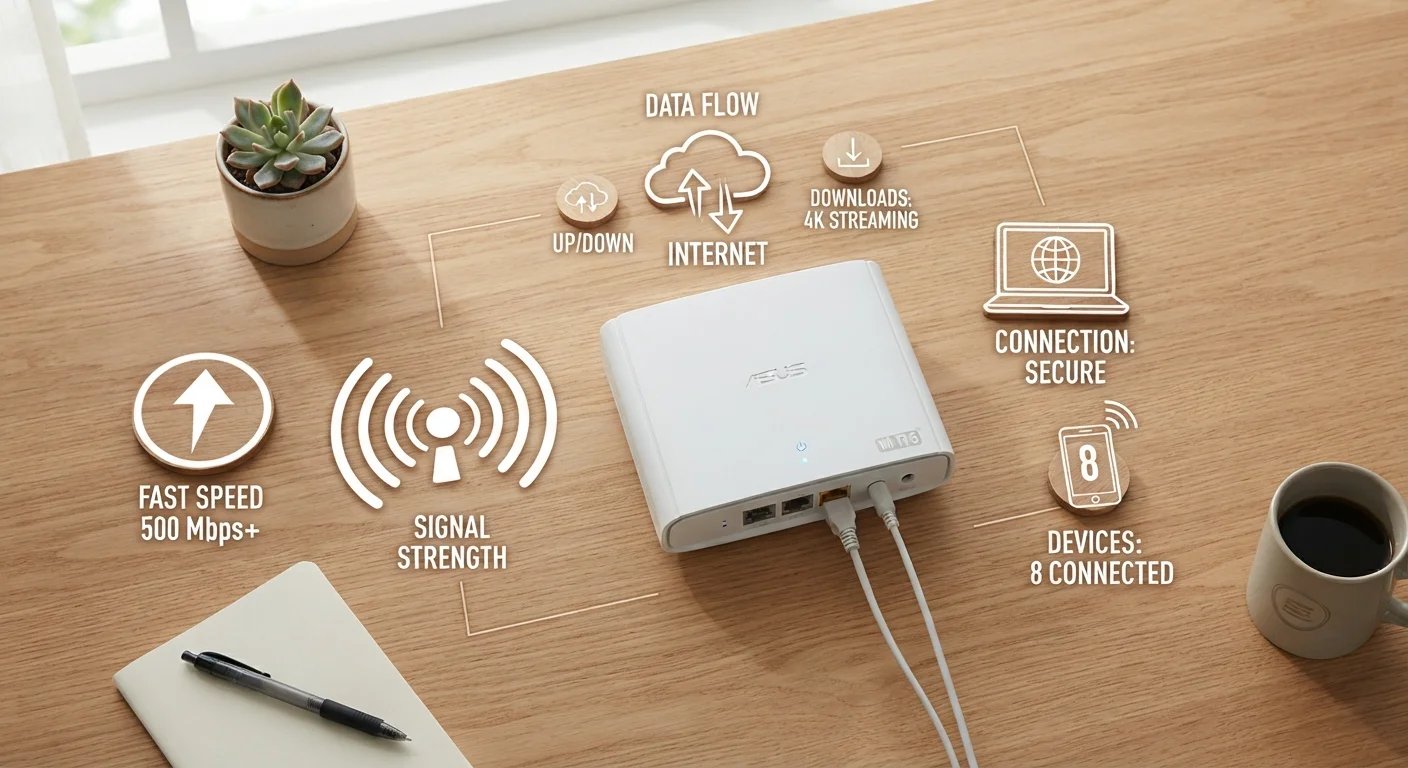
Photo: ShortwebArticles.com | Content For The Curious editorial
Why Internet Jargon Matters
Shopping for a home internet plan or troubleshooting a slow connection means running into a wall of technical terms: Mbps, GHz, ping, latency, bandwidth. These words appear on provider websites, router boxes, and speed-test results — yet they're rarely explained in plain English.
This glossary cuts through the noise. Whether you're comparing plans, setting up a new router, or just trying to understand why video calls keep freezing, the definitions below give you a working vocabulary you can actually use. For a deeper look at how connection types differ, see our breakdown of cable, fiber, DSL, and satellite.
Mbps
Megabits per second — the standard unit for measuring internet connection speed. Higher Mbps means more data can move per second. Note that 8 megabits equal 1 megabyte, so a 100 Mbps connection downloads about 12.5 MB of file data per second.
Bandwidth
The maximum amount of data that can travel through a connection at one time, often expressed in Mbps or Gbps. Think of it as the width of a highway — more lanes allow more cars (data) to move simultaneously.
Latency
The time, measured in milliseconds (ms), it takes for data to travel from your device to a server and back. Lower latency means more responsive connections. It matters most for gaming, video calls, and real-time applications.
GHz (Wi-Fi band)
In the context of Wi-Fi, gigahertz refers to the radio frequency a router uses to broadcast a wireless signal. Common bands are 2.4 GHz (longer range, more interference) and 5 GHz (shorter range, faster throughput).
Ping
A practical measurement of latency, expressed in milliseconds. Running a ping test sends a small packet of data to a server and measures how long the round trip takes. It's a quick way to gauge connection responsiveness.
Jitter
The inconsistency or variation in latency over time. Even if average latency is low, high jitter can cause choppy video calls or stuttering audio because data packets are arriving at uneven intervals.
Upload Speed
The rate at which your device sends data to the internet, measured in Mbps. Uploading is critical for video calls, live streaming, and cloud backups. Many plans advertise download speed prominently while offering much lower upload speeds.
Download Speed
The rate at which data travels from the internet to your device, measured in Mbps. Streaming video, browsing, and downloading files all rely on download speed. It's the figure most prominently advertised by internet providers.
Packet Loss
When data packets traveling across a network fail to reach their destination. Even small amounts of packet loss (1–2%) can noticeably degrade video quality, cause game lag, or interrupt voice calls.
Symmetric Speed
A connection where upload and download speeds are equal or nearly equal. Fiber connections are most likely to offer symmetric speeds; cable and DSL plans typically have much faster download than upload speeds.
Gbps
Gigabits per second — equal to 1,000 Mbps. Gigabit internet plans (1 Gbps) are becoming available in more areas, primarily through fiber infrastructure, and are marketed toward high-usage households.
Wi-Fi 6 / Wi-Fi 6E
Wi-Fi 6 (802.11ax) is a router and device standard that handles more simultaneous connections more efficiently than older standards. Wi-Fi 6E adds access to the 6 GHz band, reducing congestion further. Both require compatible devices to fully benefit.
Speed, Bandwidth, and What Your Plan Actually Delivers
The number advertised on an internet plan — say, "200 Mbps" — refers to the plan's maximum download speed under ideal conditions. Real-world speeds are almost always lower, shaped by network congestion, your router's age, the number of devices connected, and how far you are from the router.
| Typical streaming HD requirement | 5–25 Mbps per stream (General industry guidance) |
| Video call bandwidth (HD) | ~3 Mbps up and down (General industry guidance) |
| 1 Gbps equals | 1,000 Mbps |
| Good latency for gaming | Under 30 ms (General industry guidance) |
| Traditional satellite latency | 500–600 ms or more (General industry guidance) |
| 8 megabits = | 1 megabyte (MB) |
Bandwidth and speed are related but not identical. Bandwidth is the maximum capacity of your connection (think: the width of a pipe). Speed describes how fast data actually moves through it at any given moment. A household with many simultaneous streams, downloads, and video calls consumes more bandwidth, which can make every individual activity feel slower — even if the plan's rated speed hasn't changed.
Upload speed is just as real as download speed but gets far less attention. Video conferencing, cloud backups, and gaming all depend heavily on upload performance. Many plans are asymmetric, meaning upload speeds are significantly lower than download speeds. Fiber connections are more likely to offer symmetric speeds (equal up and down).
For common misconceptions around speed figures, our article on what people get wrong about internet speed is worth reading alongside this glossary.
600+ ms
Typical latency on traditional satellite internet
Traditional geostationary satellite connections must relay signals roughly 22,000 miles to orbit and back, creating unavoidable delays.
~50%
Share of U.S. households with access to gigabit speeds
According to FCC broadband availability data, gigabit-capable service has expanded significantly but remains uneven across rural and urban areas.
Latency, GHz, and the Terms Inside Your Router
Latency — measured in milliseconds (ms) — is the time it takes for a signal to travel from your device to a server and back. A low number is better. For general browsing, latency under 100 ms is fine. For competitive gaming or live video calls, under 30 ms is ideal. Satellite internet connections often have high latency (sometimes 600 ms or more on traditional systems) because signals must travel to orbit and back.
GHz (gigahertz) shows up in two different internet contexts. Inside your router, it refers to the radio frequency bands your Wi-Fi uses. Most modern routers broadcast on both 2.4 GHz and 5 GHz. The 2.4 GHz band travels farther and passes through walls more easily but is shared by many devices (including microwaves and baby monitors), making it more prone to interference. The 5 GHz band is faster and less congested but has a shorter effective range. Some newer routers also include a 6 GHz band (Wi-Fi 6E).
GHz also appears in processor specs for laptops and smartphones — a different context entirely. If you've seen it on a device box, our guide to RAM, storage, and processing power explains what it means there.
Other terms worth knowing: ping is a practical test of latency (a ping of 20 ms means a 20-millisecond round-trip). Jitter is the variation in latency over time — high jitter causes choppy audio and video even when average latency looks acceptable. Packet loss occurs when data packets don't complete their journey, creating gaps or errors in what you receive.
For the full picture of everything that shapes your connection — from plan selection to router placement — see our end-to-end home internet guide.
Speed Tests Give a Snapshot, Not the Full Picture
The content on this site is for informational purposes only and is not a substitute for professional advice. Always consult a qualified professional for guidance specific to your situation.